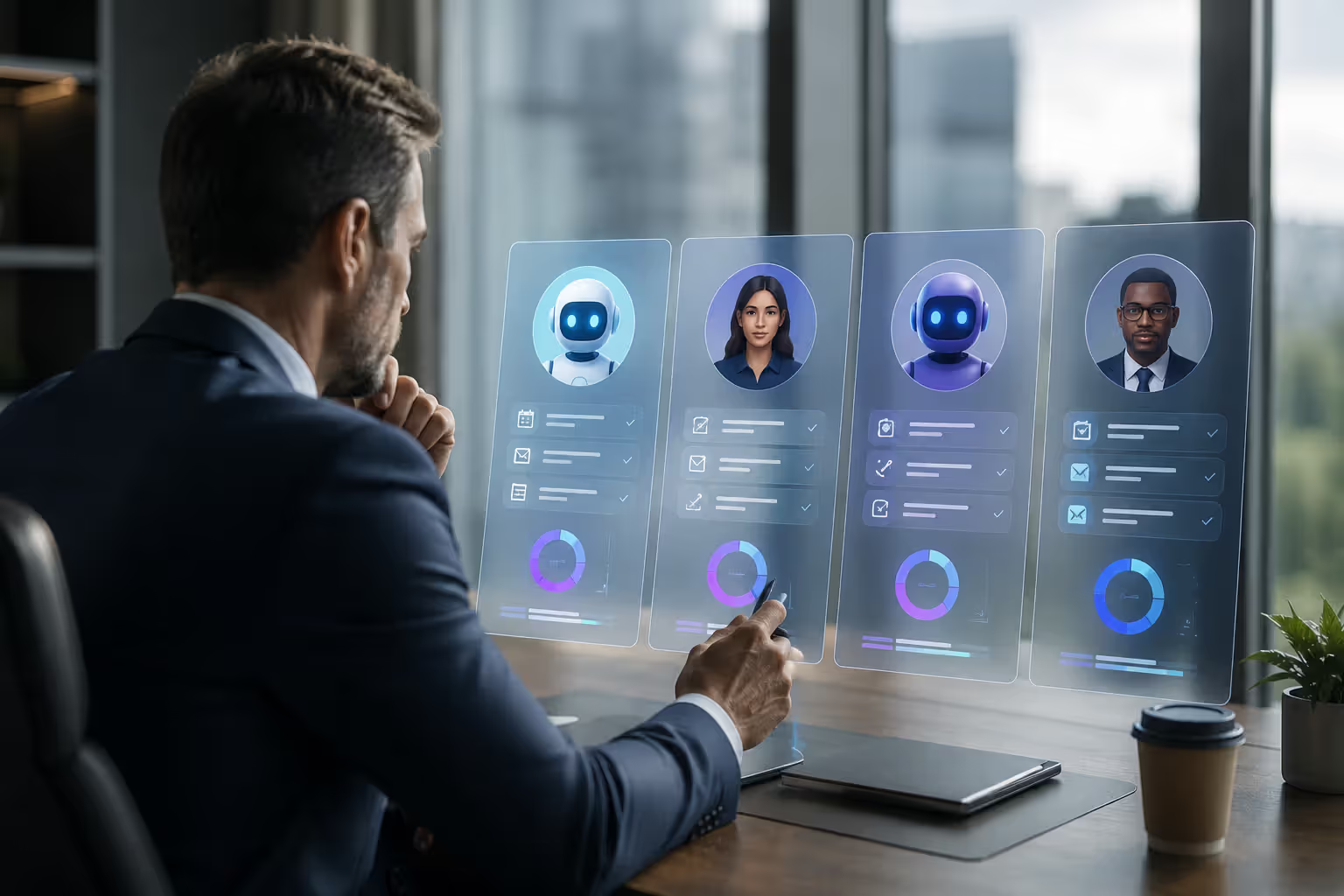
If you're a C-suite executive drowning in calendar invites, your inbox might be the least of your problems. The real issue? Time. You don't have enough of it, and what you do have gets fragmented by administrative tasks that pull you away from strategic work. Enter the AI executive assistant—a digital helper that promises to handle scheduling, email triage, meeting prep, and task management without needing lunch breaks or vacation days.
But what exactly is an AI executive assistant? How does it differ from the chatbot on your phone or the virtual assistant you tried three years ago and abandoned? And can it really replace—or at least complement—a human executive assistant? Let's break it down.
Understanding the AI Executive Assistant Role
An AI executive assistant is software powered by artificial intelligence that automates and manages administrative tasks traditionally handled by human executive assistants. Think calendar management, email filtering, meeting coordination, travel booking, and task prioritization. The difference between this and a basic AI tool—like a simple chatbot or voice assistant—lies in depth and context.
A true AI executive assistant learns your preferences over time. It understands that you don't take calls before 9 a.m., that you prefer video meetings on Tuesdays, and that emails from your CFO always get priority. It doesn't just respond to commands; it anticipates needs.
The ai chief of staff concept takes this further. Some platforms position their AI as a strategic partner, not just a task manager. They analyze your workload, flag bottlenecks, suggest delegation opportunities, and even draft briefing documents before big meetings. It's less "schedule this call" and more "here's what you need to know before tomorrow's board meeting, and by the way, you're double-booked at 3 p.m."
Traditional executive assistants bring emotional intelligence, discretion, and relationship management. They read the room. They know when to interrupt you and when to shield you. Basic AI tools, on the other hand, are reactive—they wait for you to ask. AI executive assistants sit somewhere in the middle. They're proactive but not intuitive. They're fast but not empathetic. They're always on but don't pick up on tone.
Author: Isabelle Norwyn;
Source: aleanetwork.net
Core Features of AI Executive Assistants
What can these systems actually do? The feature set varies by platform, but most AI executive assistants share a core toolkit.
Scheduling automation is the headline feature. An ai scheduling assistant can scan your calendar, compare availability with meeting participants, propose times, send invites, and reschedule when conflicts arise. Some tools integrate with your email, so when someone asks "Can we meet next week?" the AI drafts three options based on your actual availability. You approve, and it's done.
Email management goes beyond filtering spam. Advanced systems categorize messages by urgency, draft responses in your voice, surface action items, and even delay non-critical emails until you have time to read them. You're not ignoring your inbox—you're triaging it intelligently.
Meeting coordination includes more than just booking conference rooms. The AI can pull relevant documents, create agendas based on past meetings with the same participants, send reminders, and follow up with action items afterward. Some platforms transcribe meetings and generate summaries automatically.
Task prioritization is where machine learning shines. The system tracks deadlines, dependencies, and your work patterns, then suggests what to tackle first. If you consistently push certain tasks, the AI might flag them as low-priority or recommend delegating them.
Calendar optimization analyzes how you spend your time. Are you in back-to-back meetings every Thursday? The AI might block focus time on Fridays. Do you have 15-minute gaps between calls that are too short to be useful? It can consolidate your schedule to create longer work blocks.
The ai office assistant features extend to travel booking, expense tracking, document retrieval, and even light research. Ask it to "find the deck we used in last quarter's investor meeting," and it searches your cloud storage. Request a summary of recent industry news, and it compiles a briefing.
One thing I've noticed: the best systems don't try to do everything. They integrate deeply with tools you already use—Outlook, Google Workspace, Slack, Zoom—rather than forcing you into a new ecosystem.
How AI Executive Assistants Support Business Leaders
For C-suite executives, time is the scarcest resource. An ai personal assistant for executives targets the tasks that consume hours but don't require executive judgment.
Time savings are immediate. Executives report reclaiming 5–10 hours per week by offloading scheduling, email triage, and meeting prep. That's time redirected toward strategy, leadership, or simply thinking.
Decision support comes from pattern recognition. The AI tracks how you've handled similar situations before and surfaces relevant data. If you're deciding whether to attend a conference, it might pull up notes from the last three conferences you attended and your post-event feedback. You're not starting from scratch every time.
Delegation becomes easier when the AI manages the handoff. You assign a task to a team member, and the system tracks progress, sends reminders, and flags delays. It's not micromanagement—it's structured follow-through.
The ai assistant for leadership concept emphasizes strategic enablement. Some platforms analyze your calendar and flag imbalances. Spending 80% of your time in internal meetings? The AI suggests blocking external-facing time. Not enough one-on-ones with direct reports? It prompts you to schedule them.
Author: Isabelle Norwyn;
Source: aleanetwork.net
Real-world example: A CEO at a mid-sized tech company used an AI executive assistant to audit her weekly schedule. The system revealed she spent 12 hours per week in recurring meetings that could be condensed or eliminated. After restructuring, she freed up six hours—time she redirected to product strategy and investor relations.
Comparing AI Executive Assistants to Traditional Support
Here's the practical breakdown. No fluff, just the trade-offs.
Feature/Criteria
Human Executive Assistant
AI Executive Assistant
Hybrid Approach
Cost
$50,000–$100,000+ annually (salary + benefits)
$200–$1,000/month subscription
Human EA + AI tools; mid-range cost
Availability
Business hours (40–50 hrs/week)
24/7, instant response
Human handles complex tasks; AI covers off-hours
Task Complexity
Handles nuanced, relationship-driven tasks
Excels at repetitive, data-driven tasks
AI pre-processes; human finalizes
Personalization
High—learns through conversation and observation
Moderate—learns from data and explicit feedback
Best of both; human trains AI
Setup Time
1–3 months (hiring + onboarding)
1–2 weeks (integration + training)
Longer initial setup; faster iteration
Scalability
Limited—one EA per executive
High—one AI can support multiple users
Human scales oversight; AI scales execution
The hybrid model is where most executives land. A human assistant handles stakeholder relationships, sensitive communications, and judgment calls. The AI handles scheduling, email sorting, and data retrieval. The human trains the AI, and the AI frees up the human for higher-value work.
One counterintuitive finding: executives who keep human assistants and add AI report higher satisfaction than those who go all-in on either. The AI doesn't replace the human—it makes the human more effective.
AI won't replace executive assistants, but executive assistants who use AI will replace those who don't. The future is augmentation, not automation.
— Hoffman Reid
Choosing the Right AI Executive Assistant for Your Needs
Not all AI assistants are built the same. Here's what to evaluate before committing.
Integration with existing tools is non-negotiable. If you live in Microsoft 365, the AI should plug directly into Outlook, Teams, and OneDrive. If you're a Google Workspace shop, it needs native Gmail and Calendar support. Switching ecosystems to accommodate an AI assistant is a red flag.
Customization determines whether the AI adapts to you or forces you to adapt to it. Can you set meeting preferences? Define priority contacts? Adjust communication tone? The best platforms let you configure rules without writing code.
Security and privacy matter more here than with most software. Your AI assistant has access to your calendar, emails, and documents—potentially sensitive information. Look for end-to-end encryption, SOC 2 compliance, and clear data retention policies. Ask where data is stored and whether it's used to train models. If the answer is vague, walk away.
Scalability isn't just about user count. Can the AI handle increasing complexity as your role evolves? If you get promoted, change industries, or take on a board seat, will the system adapt, or will you outgrow it?
The virtual ai executive helper and ai business assistant categories overlap here. Some tools are designed for solo executives; others are built for leadership teams. If you manage direct reports who also need support, choose a platform that scales across your organization.
One mistake I see often: executives pick the AI with the most features. But more features usually mean more complexity. The simpler option wins if it solves your top three pain points.
Author: Isabelle Norwyn;
Source: aleanetwork.net
Common Mistakes When Implementing AI Executive Assistants
Even the best AI executive assistant fails if you implement it poorly. Here are the traps to avoid.
Over-reliance without human oversight is the biggest risk. The AI will make mistakes—double-bookings, misread priorities, tone-deaf emails. If you treat it as infallible, you'll end up apologizing to clients or missing critical meetings. Always review high-stakes decisions.
Poor onboarding kills adoption. You can't install the software and expect magic. You need to feed it data: past calendar patterns, email priority rules, preferred meeting times. The first two weeks require active training. Skip this, and the AI will feel like a dumb chatbot.
Ignoring data security is inexcusable. If you're in finance, healthcare, or legal, your AI assistant needs to meet industry-specific compliance standards. Uploading confidential client data to a consumer-grade AI tool can violate contracts or regulations.
Unrealistic expectations set you up for disappointment. The AI won't negotiate on your behalf, read body language in meetings, or handle office politics. It won't replace your chief of staff. It will, however, eliminate 70% of the administrative friction in your day—if you let it.
Another pitfall: trying to automate everything at once. Start with one pain point—usually scheduling—and expand from there. Trying to overhaul your entire workflow in week one leads to frustration and abandonment.
FAQ: AI Executive Assistant Questions Answered
How much does an AI executive assistant cost?
Pricing varies widely depending on features and scale. Entry-level AI scheduling assistants start around $20–$50 per month for basic calendar management. Mid-tier platforms with email triage, task management, and meeting coordination typically run $200–$500 monthly. Enterprise-grade solutions with advanced customization, security, and multi-user support can reach $1,000+ per month. Most platforms offer tiered pricing, so you pay for what you need. Compared to a human executive assistant's $50,000–$100,000 annual salary, even premium AI options deliver significant cost savings.
Can an AI executive assistant replace a human assistant?
Not entirely—at least not yet. AI excels at repetitive, data-driven tasks like scheduling, email sorting, and calendar optimization. It struggles with nuanced judgment, relationship management, and tasks requiring emotional intelligence. A human assistant can read between the lines, handle sensitive communications, and adapt to unpredictable situations. The best approach for most executives is a hybrid model: the AI handles routine administration, freeing the human assistant to focus on strategic support and stakeholder relationships. Think augmentation, not replacement.
Is my data secure with an AI executive assistant?
It depends on the platform. Reputable AI executive assistants use end-to-end encryption, comply with SOC 2 or ISO 27001 standards, and store data in secure, geographically appropriate data centers. Before committing, review the vendor's privacy policy, data retention practices, and whether your information is used to train AI models. For highly sensitive industries—finance, healthcare, legal—look for platforms with industry-specific compliance certifications. If a vendor can't clearly explain their security measures, that's a red flag.
How long does it take to set up an AI executive assistant?
Technical setup is usually quick—most platforms integrate with your calendar and email within an hour. The real onboarding takes one to two weeks. You'll need to train the AI on your preferences: meeting times, priority contacts, communication style, and task hierarchies. The more data you provide upfront—past calendar patterns, email rules, recurring tasks—the faster the AI learns. Expect to spend 30–60 minutes during the first week actively refining its behavior. After that, maintenance is minimal.
What tasks can an AI executive assistant handle?
Most AI executive assistants manage scheduling, email triage, meeting coordination, task prioritization, and calendar optimization. Advanced platforms add travel booking, expense tracking, document retrieval, meeting transcription, and briefing document generation. Some can draft emails in your voice, reschedule conflicts automatically, and send follow-up reminders. They don't handle tasks requiring human judgment—negotiating contracts, managing office politics, or making strategic decisions. The sweet spot is high-volume, low-complexity tasks that follow predictable patterns.
Do I need technical skills to use an AI executive assistant?
No. Most platforms are designed for non-technical users with simple, intuitive interfaces. Setup typically involves connecting your calendar and email through OAuth (a secure login process), then configuring preferences through dropdown menus and toggles. You won't write code or manage servers. That said, you'll get better results if you're comfortable giving feedback and refining rules over time. If you can use Gmail or Outlook, you can use an AI executive assistant.
The right AI executive assistant doesn't just save time—it changes how you work. It clears the noise so you can focus on decisions that actually matter. It won't replace your judgment, your relationships, or your instincts. But it will handle the administrative drag that keeps you from using them.
An AI data analyst uses machine learning to automate data analysis tasks—pattern recognition, anomaly detection, and insight generation—that traditionally required hours of manual work. Learn how these tools differ from human analysts, the core technologies behind them, and which platforms fit your needs.
An AI writing assistant uses natural language processing and machine learning to help you draft, edit, and polish content. Discover how these tools work, what they can create, their accuracy limitations, and how to choose the right AI writing software for your needs.
Learn everything about data visualization—from basic chart types to AI-powered tools. Discover techniques, compare popular software, avoid common mistakes, and follow best practices to transform complex data into clear, actionable insights for better decision-making.
AI infrastructure includes the compute hardware, storage, networking, and orchestration that power machine learning systems. This guide covers core components, hardware requirements for training vs inference, cloud versus on-premises trade-offs, and practical planning strategies for organizations building AI capabilities.
The content on this website is provided for general informational and educational purposes only. It is intended to explain concepts related to AI tools, agents, developer infrastructure, coding assistants, APIs, and productivity workflows.
All information on this website, including articles, guides, and examples, is presented for general educational purposes. Outcomes and tool performance may vary depending on implementation, skill level, and use case.
This website does not provide professional AI consulting, development services, or guarantees of results, and the information presented should not be used as a substitute for consultation with qualified AI or software development professionals.
The website and its authors are not responsible for any errors or omissions, or for any outcomes resulting from decisions made based on the information provided on this website.