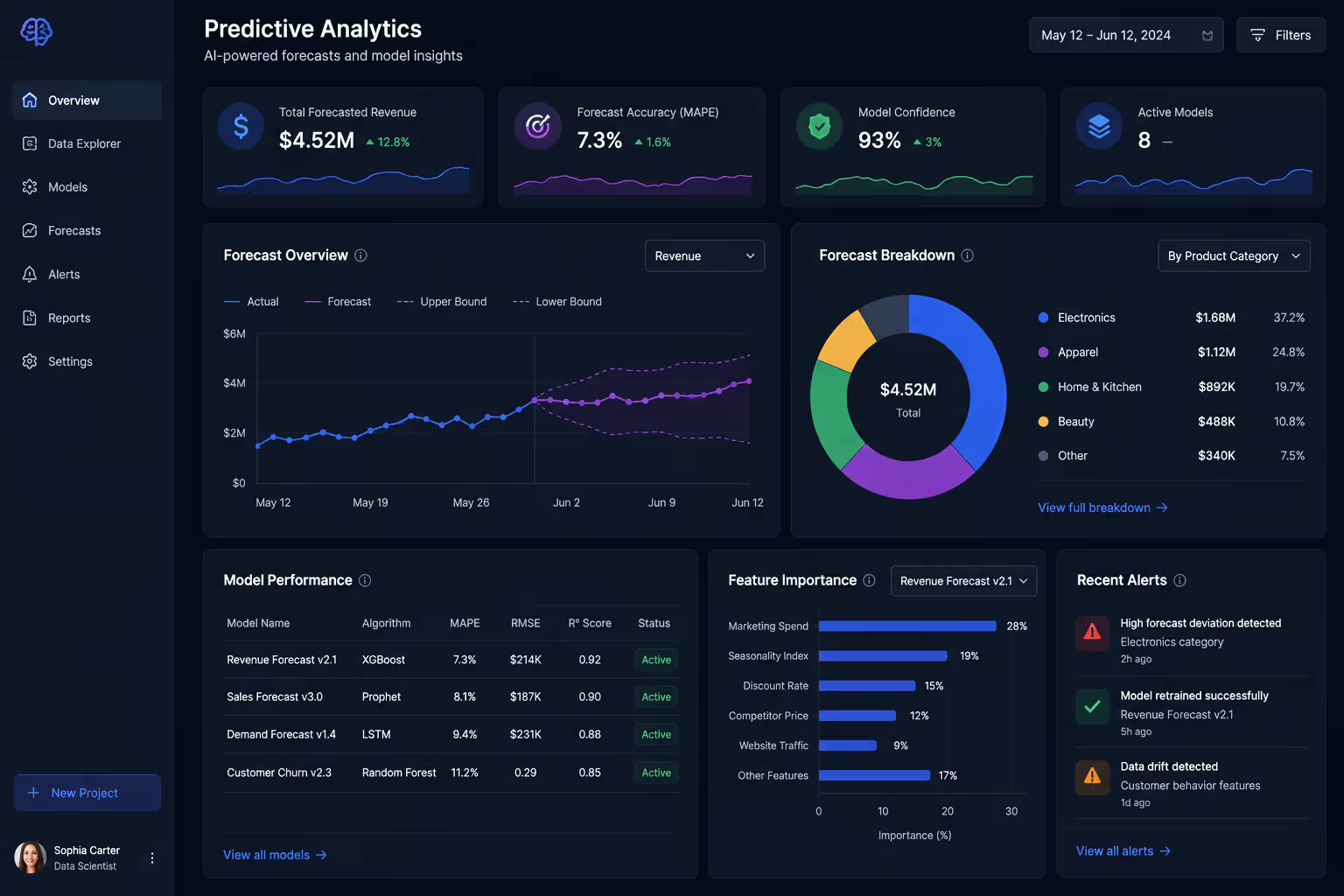
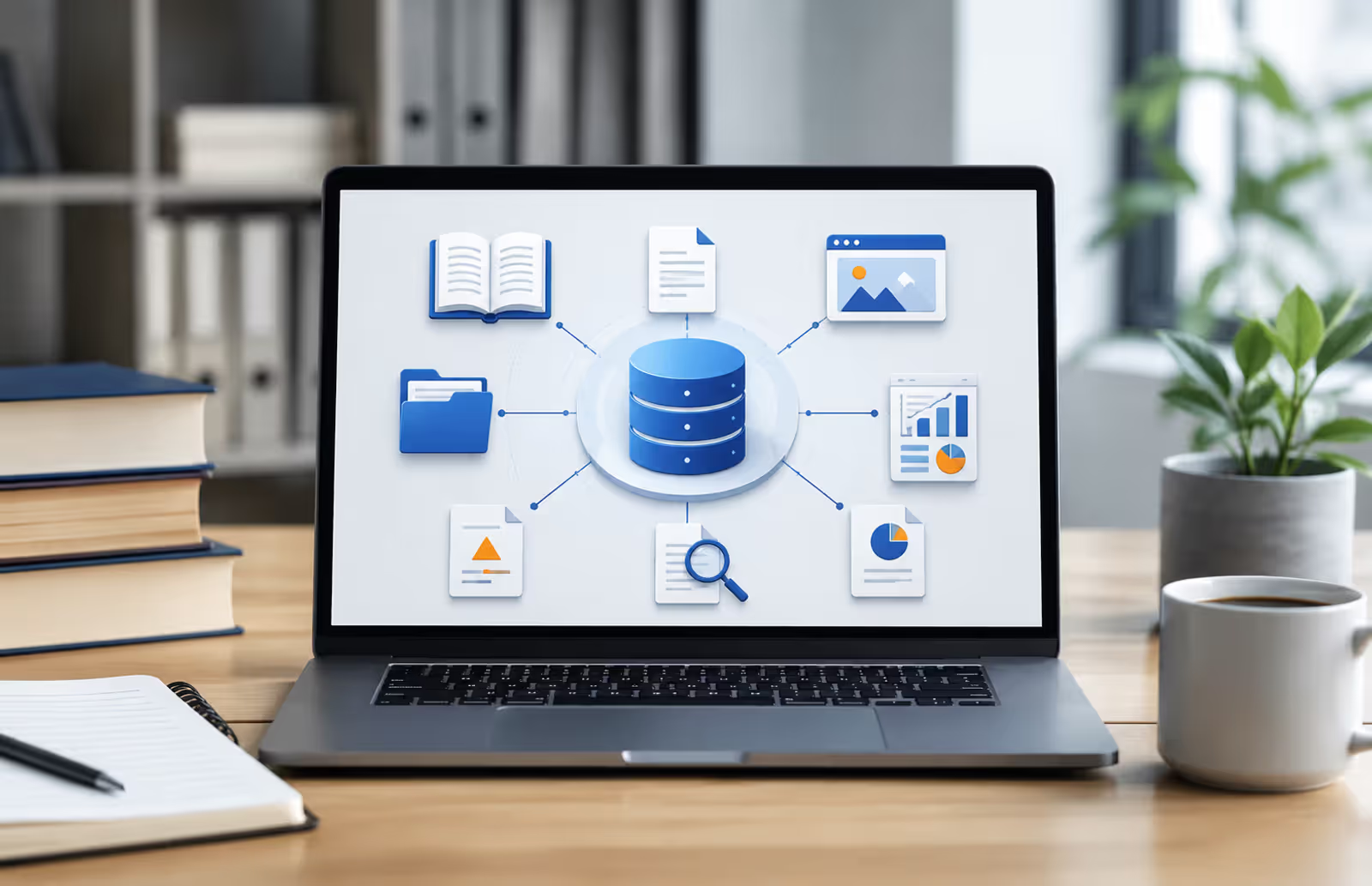
Artificial intelligence is reshaping how companies extract meaning from their data. An AI data analyst is software that uses machine learning algorithms to automatically examine datasets, identify patterns, spot anomalies, and generate insights—tasks that traditionally required hours of human work. These systems can process millions of rows in seconds, flag correlations a person might miss, and even suggest next steps based on what the data reveals.
The technology isn't about replacing analysts entirely. It's about speed and scale. Where a human might spend a week building dashboards and writing SQL queries, an AI tool can deliver preliminary findings in minutes. That shift changes workflows, budgets, and what "data literacy" means for teams that aren't technical experts.
How AI Data Analysts Differ from Traditional Data Analysts
Traditional data analysts bring domain expertise, business context, and critical thinking. They frame questions, clean messy data, build models, and translate numbers into strategy. An AI data analyst automates the mechanical parts—data prep, exploratory analysis, visualization generation—but it doesn't replace judgment.
Speed is the most obvious difference. A human analyst might take two days to profile a new dataset, check for outliers, and draft initial charts. An AI system does that in under an hour. Accuracy on repetitive tasks also favors machines: they don't get tired, skip steps, or mistype formulas.
But human analysts excel where context matters. They understand that a sales spike in Q4 might be seasonal, not a trend. They know when a correlation is spurious or when leadership cares more about customer sentiment than revenue per user. AI analyst tools explained in vendor marketing often gloss over this: the software surfaces patterns, but a person decides what's meaningful.
The pattern I see most often is teams using AI to handle volume—hundreds of reports, daily KPI checks, anomaly detection—while humans focus on strategic questions. That division of labor works. Expecting AI to do strategic thinking doesn't.
Author: Adrian Westmere;
Source: aleanetwork.net
Core Technologies Behind AI Data Analysis
Three technologies power most AI data analysis platforms: machine learning, natural language processing, and automated pattern recognition. You don't need a PhD to use them, but knowing what's happening under the hood helps you trust (or question) the output.
Machine learning data analysis trains algorithms on historical data so they can predict outcomes or classify new information. A sales forecasting tool learns from past quarters to estimate next month's revenue. A churn model learns which customer behaviors precede cancellations. The system improves as it sees more examples, but it's only as good as the data you feed it.
Natural language processing lets you ask questions in plain English instead of writing code. Type "Show me revenue by region last quarter" and the tool generates the query, pulls the data, and builds a chart. This lowers the barrier for non-technical users, though the AI sometimes misinterprets vague phrasing. Specificity still matters.
Automated pattern recognition scans datasets for anomalies, trends, and correlations without being told what to look for. If website traffic drops 40% on Tuesdays, the system flags it. If two variables move together, it notes the relationship. This is powerful for discovery—you find things you didn't know to ask about—but it also generates false positives. Not every pattern is actionable.
All three rely on clean, structured data. Garbage in, garbage out remains the iron law. AI for data analysis can't fix fundamentally broken datasets, and it won't tell you when your tracking tags are firing incorrectly or your CRM has duplicate records.
Popular AI Data Analysis Tools and What They Do
The market is crowded. Dozens of platforms claim to be "AI-powered," but capabilities vary wildly. Some are glorified dashboards with autocomplete. Others use deep learning to build predictive models automatically. Below is a snapshot of tools that represent different use cases and price points.
Tool Name
Best For
Key Features
Starting Price
Ease of Use
Tableau AI
Business intelligence and interactive dashboards
Natural language queries, automated insights, drag-and-drop interface, real-time collaboration
Automated machine learning and predictive modeling
Auto-model selection, time-series forecasting, feature engineering, model deployment
Custom pricing (starts ~$50k/year)
Medium
ThoughtSpot
Self-service analytics for large enterprises
Search-driven analytics, embedded BI, mobile access, governed data access
Custom pricing
High
Akkio
No-code predictive analytics for SMBs
One-click model training, churn prediction, lead scoring, CRM integrations
$50/month
Very High
Alteryx AiDIN
Data prep and advanced analytics workflows
Automated data blending, spatial analytics, workflow automation, API integrations
$5,195/user/year
Medium
Pricing and features shift constantly. Most vendors offer free trials—use them to test on your actual data before committing.
AI Tools for Business Intelligence
BI-focused platforms like Tableau AI and ThoughtSpot prioritize visualization and reporting. You connect data sources (databases, cloud apps, spreadsheets), and the tool auto-generates dashboards. Natural language queries let marketing managers ask "What's our CAC by channel?" without bothering the analytics team.
These tools shine when you need to democratize data access. Non-technical users can explore metrics, drill down into segments, and schedule automated reports. The AI layer suggests relevant charts, highlights outliers, and even narrates what changed week-over-week.
The downside: they're not built for heavy-duty statistical modeling. If you need regression analysis, cohort retention curves, or custom algorithms, you'll hit limits quickly.
AI Tools for Predictive Analytics
Platforms like DataRobot and Akkio focus on forecasting and classification. Upload historical data, specify what you want to predict (sales, churn, conversion), and the system tests dozens of algorithms to find the best fit. It handles feature engineering, hyperparameter tuning, and validation automatically.
This is where machine learning data analysis becomes accessible to non-specialists. You don't write code or choose between random forests and gradient boosting—the AI does that. You evaluate the output: "Is 87% accuracy good enough for this use case?"
Author: Adrian Westmere;
Source: aleanetwork.net
These tools cost more and require cleaner data. A typo in your date column or a categorical variable with 10,000 unique values will tank model performance. You'll spend time on data hygiene before the AI can do its job.
How AI Powered Data Insights Improve Decision-Making
Real-world impact matters more than feature lists. Here's where AI data insights move the needle in three common functions.
Marketing: A retail brand used an AI tool to analyze customer purchase history and predict which segments were likely to churn. They targeted at-risk customers with personalized offers, reducing churn by 18% over six months. The AI flagged behavioral signals—declining order frequency, smaller basket sizes—that the team hadn't prioritized before.
Finance: A SaaS company automated monthly variance analysis with AI. Instead of finance analysts spending two days comparing actuals to budget line-by-line, the system highlighted the top ten anomalies and drafted explanations based on historical patterns. The team cut close time by 40% and redirected hours toward strategic planning.
Operations: A logistics firm used predictive analytics to optimize delivery routes. The AI model factored in traffic patterns, weather, vehicle capacity, and delivery windows to suggest route changes. Fuel costs dropped 12%, and on-time delivery improved by 9 percentage points. Drivers initially resisted—"We know our routes better than a computer"—but the data won them over.
Notice the pattern: AI didn't make the strategic call. It surfaced information faster and more comprehensively than manual methods. Humans still decided which offers to send, how to explain variances to the board, or whether to trust the route recommendations.
Measurable outcomes require clear KPIs before you deploy AI. "Better insights" is too vague. "Reduce report prep time by 30%" or "Improve forecast accuracy by 10 points" gives you a benchmark.
Common Mistakes When Using AI Analyst Tools
Enthusiasm for automation leads to predictable pitfalls. Here are four I see repeatedly.
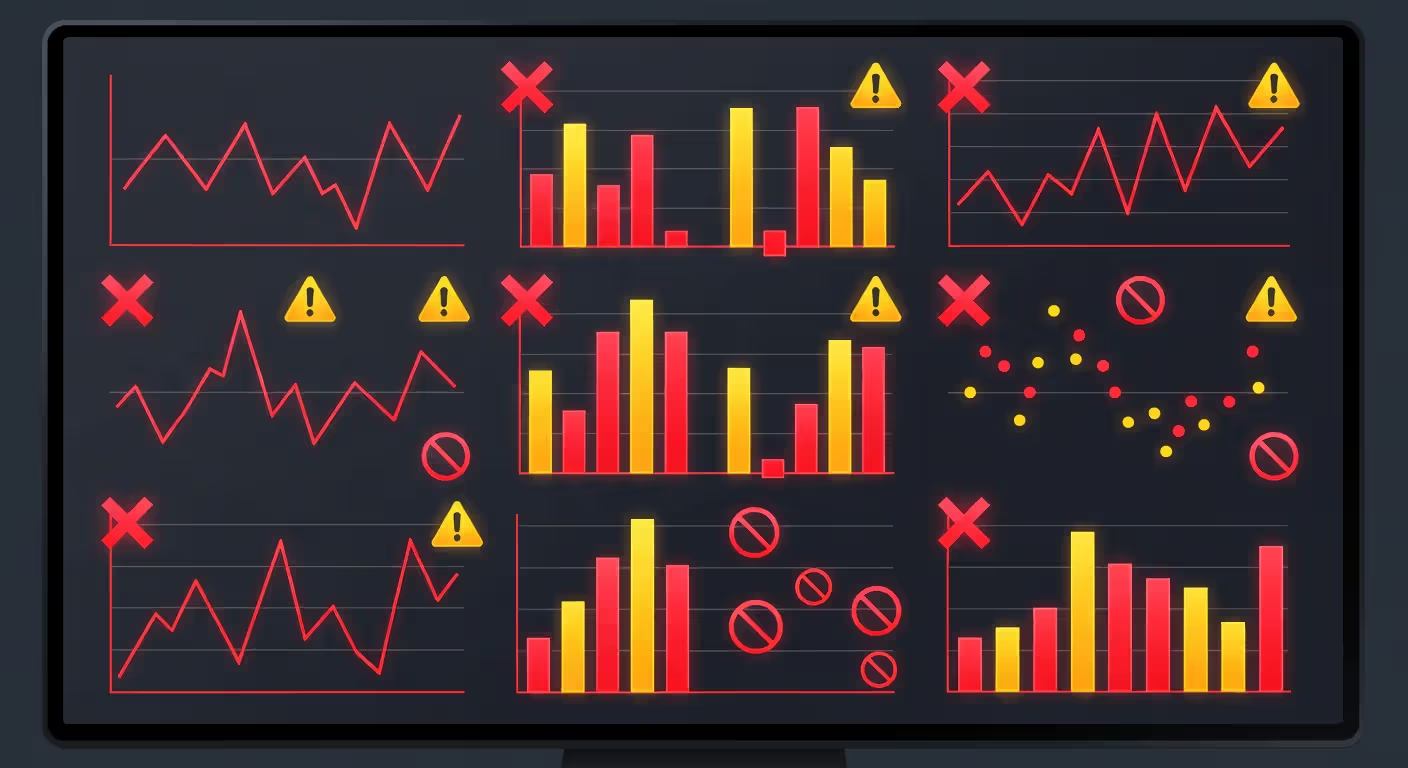
Ignoring data quality. AI analytical tools overview materials rarely emphasize this enough: if your source data is inconsistent, incomplete, or incorrectly labeled, the AI will amplify those errors. A model trained on bad data produces confident-sounding nonsense. Always profile your data first. Check for missing values, duplicates, and outliers before you hand it to an algorithm.
Over-relying on automation. Some teams treat AI output as gospel. The tool says revenue will grow 15% next quarter, so they staff up and increase inventory. Then the forecast misses by 20 points because the model didn't account for a competitor's product launch. AI provides a starting point, not a final answer. Cross-check predictions against domain knowledge and external factors.
Misinterpreting outputs. Correlation isn't causation, but AI tools flag correlations constantly. Ice cream sales and drowning rates both spike in summer—that doesn't mean ice cream causes drowning. A human has to apply logic. If the AI says "customers who buy product A also buy product B," ask why before you bundle them. Maybe they're both popular, not complementary.
Author: Adrian Westmere;
Source: aleanetwork.net
Lack of human oversight. Automating a weekly report sounds efficient until the AI misclassifies a data field and nobody notices for three months. Assign someone to spot-check outputs regularly. If a number looks weird, investigate. Trust but verify.
How to Choose the Right AI Data Analysis Tool for Your Needs
Start with use case, not features. What problem are you solving? "We want AI" isn't a use case. "We need to reduce time spent on monthly sales reports" or "We want to predict which leads will convert" are.
Company size and budget. Small teams (under 50 people) usually do best with affordable, no-code platforms like Julius AI or Akkio. You'll pay $20–$100/month, get up and running in days, and won't need a data engineer. Enterprise organizations with complex data stacks and compliance requirements should look at Tableau, ThoughtSpot, or DataRobot. Expect six-figure annual costs and multi-month implementations.
Technical skill level. If your team doesn't code, prioritize natural language interfaces and pre-built templates. If you have SQL skills or Python experience, you can use more powerful (and complex) tools that offer customization. Don't buy a Formula 1 car if you only have a learner's permit.
Integration requirements. The tool must connect to your data sources without friction. Check whether it supports your CRM, ERP, marketing platforms, and databases natively. Custom integrations via API are possible but add cost and maintenance. Cloud-based tools generally integrate faster than on-premise software.
Budget and ROI timeline. Calculate how much analyst time you'll save or how much revenue a better forecast could generate. If the tool costs $10k/year and saves 10 hours/week of $75/hour work, it pays for itself in three months. If you can't articulate ROI, you're not ready to buy.
Free trials are your friend. Test with real data and real questions. If the vendor won't offer a trial or requires a sales call before you can see the product, that's a red flag.
Below is a quick-reference comparison of leading platforms. Prices and features reflect 2026 offerings and are subject to change.
AI doesn't replace the analyst; it changes what the analyst does. The tedious work—data cleaning, repetitive reporting, basic pattern detection—gets automated. That frees analysts to focus on the questions that actually matter: why the pattern exists, what it means for the business, and what action to take. The best teams use AI to handle scale and speed, while humans provide context and judgment.
— Loukides Mike
The shift Mike Loukides describes is already happening. Companies that figure out the division of labor between AI and humans gain a compounding advantage. Those that expect AI to do everything end up disappointed.
FAQ: AI Data Analyst Questions Answered
Can an AI data analyst replace human analysts?
Not entirely. AI excels at repetitive tasks—data cleaning, anomaly detection, generating standard reports—but it lacks business context and strategic judgment. A human analyst understands why a metric matters, how it connects to company goals, and when a correlation is meaningful versus coincidental. The most effective approach uses AI to handle volume and speed while humans focus on interpretation and decision-making. Over time, the role of analysts will shift toward more strategic work, but the need for human oversight remains.
How much do AI data analysis tools cost?
Pricing varies widely. Entry-level platforms for small teams start around $20–$100 per month. Mid-tier business intelligence tools like Tableau AI or ThoughtSpot charge $70–$200 per user per month. Enterprise-grade predictive analytics platforms like DataRobot or Alteryx can cost $50,000–$200,000+ annually, depending on users and features. Many vendors offer free trials or freemium tiers. Calculate ROI based on time saved or revenue impact before committing to a multi-year contract.
Do I need coding skills to use AI analyst tools?
Not always. Many modern platforms are designed for non-technical users and offer natural language interfaces, drag-and-drop builders, and pre-built templates. Tools like Julius AI, Akkio, and Tableau AI require zero coding. However, more advanced platforms—especially those focused on custom machine learning models or complex data transformations—benefit from SQL or Python knowledge. If your use case is straightforward (dashboards, basic forecasting), you can get by without code. For custom workflows or deep statistical analysis, technical skills help.
How accurate are AI powered data insights?
Accuracy depends on data quality, model selection, and the complexity of what you're predicting. Simple forecasts (next month's sales based on stable trends) can hit 90%+ accuracy. Complex predictions (customer lifetime value, multi-variable churn models) often land in the 70–85% range. AI tools rarely achieve perfection, and accuracy degrades if your data changes or external factors shift. Always validate outputs against known results and update models regularly. Treat AI predictions as probabilities, not certainties, and build in margin for error when making decisions.
What industries benefit most from AI data analysts?
Any industry with large datasets and repetitive analytical tasks benefits. Retail and e-commerce use AI for demand forecasting, personalization, and inventory optimization. Financial services apply it to fraud detection, credit scoring, and risk modeling. Healthcare organizations use AI for patient outcome prediction and operational efficiency. Marketing teams across industries rely on AI for campaign performance analysis and lead scoring. Manufacturing leverages predictive maintenance and quality control. The common thread: high data volume, clear KPIs, and decisions that improve with faster, more accurate insights.
How long does it take to implement an AI data analysis tool?
Implementation time ranges from days to months. Simple SaaS tools with pre-built connectors (Julius AI, Akkio) can be up and running in a few days—connect your data, explore the interface, and start generating insights. Mid-tier BI platforms (Tableau, ThoughtSpot) typically take 2–6 weeks for setup, user training, and dashboard creation. Enterprise deployments with custom integrations, data governance, and change management can stretch to 3–6 months. The biggest variable is data readiness. If your data is clean, well-structured, and centralized, you'll move faster. If you need to consolidate sources or fix quality issues first, add weeks or months to the timeline.
Choosing and implementing an AI data analyst tool isn't a one-time project. Data changes, business questions evolve, and new features ship constantly. Plan for ongoing refinement—updating models, adding data sources, training users—rather than a "set it and forget it" approach. The teams that treat AI as a living system, not a static purchase, extract the most value over time.
An AI writing assistant uses natural language processing and machine learning to help you draft, edit, and polish content. Discover how these tools work, what they can create, their accuracy limitations, and how to choose the right AI writing software for your needs.
Learn everything about data visualization—from basic chart types to AI-powered tools. Discover techniques, compare popular software, avoid common mistakes, and follow best practices to transform complex data into clear, actionable insights for better decision-making.
AI infrastructure includes the compute hardware, storage, networking, and orchestration that power machine learning systems. This guide covers core components, hardware requirements for training vs inference, cloud versus on-premises trade-offs, and practical planning strategies for organizations building AI capabilities.
A knowledge base is your organization's single source of truth for documentation, FAQs, and processes. This guide covers what knowledge bases are, how they work, AI-powered features, setup steps, tool comparisons, and best practices for building one that drives adoption.
The content on this website is provided for general informational and educational purposes only. It is intended to explain concepts related to AI tools, agents, developer infrastructure, coding assistants, APIs, and productivity workflows.
All information on this website, including articles, guides, and examples, is presented for general educational purposes. Outcomes and tool performance may vary depending on implementation, skill level, and use case.
This website does not provide professional AI consulting, development services, or guarantees of results, and the information presented should not be used as a substitute for consultation with qualified AI or software development professionals.
The website and its authors are not responsible for any errors or omissions, or for any outcomes resulting from decisions made based on the information provided on this website.