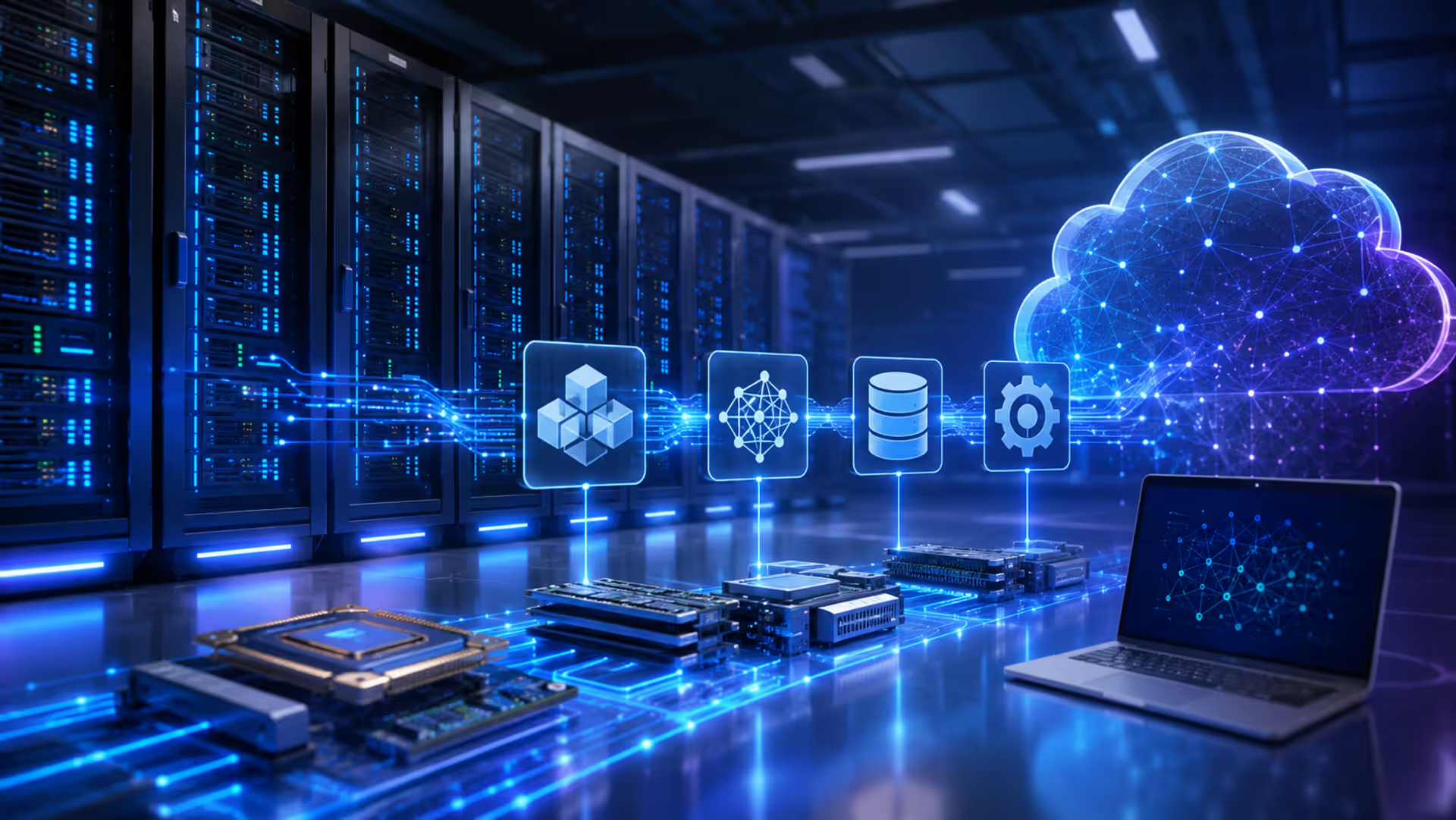
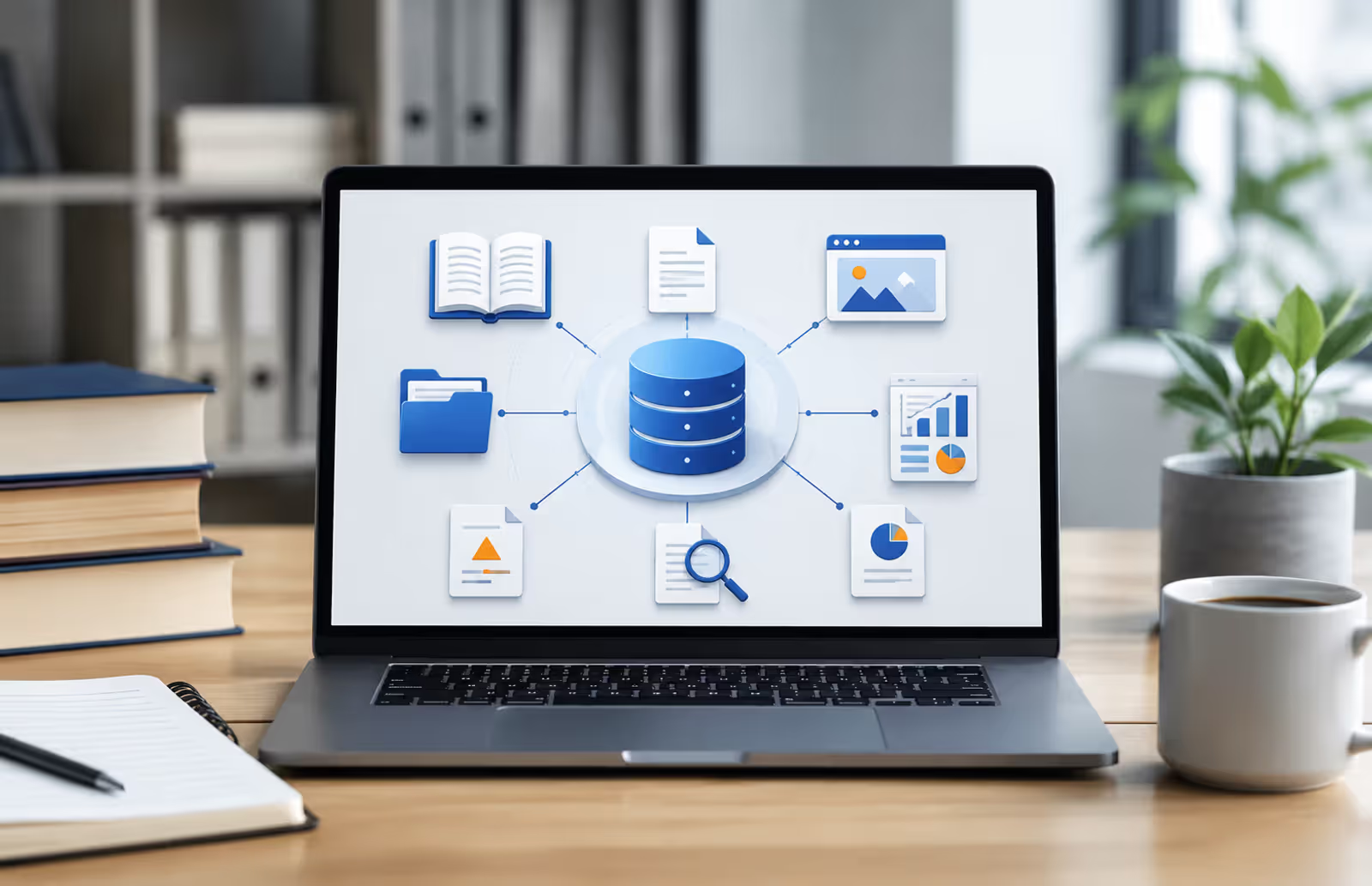
Artificial intelligence systems don't run on magic. They need physical and virtual resources to function—hardware that crunches numbers, storage that holds massive datasets, networks that move information fast, and orchestration software that keeps everything synchronized. That's what we mean by ai infrastructure: the entire stack of computing resources, platforms, and architecture patterns that make training, deploying, and running AI models possible at scale.
Think of it this way. A machine learning model is like a Formula 1 car. You can design the perfect engine, but without a racetrack, fuel supply, pit crew, and telemetry systems, it's going nowhere. AI infrastructure is all of that—the foundation that turns research code into production systems serving millions of users.
The complexity ramps up quickly. A small experiment might run fine on a laptop GPU. But enterprise workloads—training large language models, running real-time recommendation engines, processing video streams with computer vision—demand purpose-built infrastructure that balances performance, cost, and reliability. Getting this wrong means wasted money, failed projects, or models that never make it past the prototype stage.
Core Components of AI Computing Infrastructure
AI computing infrastructure breaks down into four main layers: compute hardware, storage systems, networking, and orchestration software. Each layer has specific requirements that differ sharply from traditional IT workloads.
Compute hardware is where the math happens. GPUs (graphics processing units) dominate AI workloads because they excel at parallel processing—performing thousands of calculations simultaneously. A single NVIDIA H100 GPU can deliver over 1,000 teraflops of AI performance, making it roughly 50 times faster than a high-end CPU for deep learning tasks. TPUs (tensor processing units), Google's custom chips, optimize specifically for TensorFlow operations. CPUs still matter for preprocessing, orchestration, and inference tasks that don't justify GPU costs.
Storage systems face unique pressure in AI environments. Training datasets often span terabytes or petabytes. ImageNet alone contains 14 million images. Modern language models train on datasets exceeding 500 billion tokens. You need high-throughput storage—NVMe SSDs or parallel file systems like Lustre—to feed GPUs fast enough that they're not sitting idle waiting for data. One common bottleneck: a GPU capable of processing 300 images per second stuck waiting on storage that can only deliver 50.
Networking becomes critical at scale. Distributed training splits a model across multiple GPUs or machines, requiring constant synchronization of weights and gradients. High-bandwidth, low-latency interconnects like InfiniBand or NVIDIA's NVLink prevent communication from becoming the bottleneck. In large clusters, network topology matters—a poorly designed fabric can cut training throughput by 40% or more.
Author: Selena Briarwood;
Source: aleanetwork.net
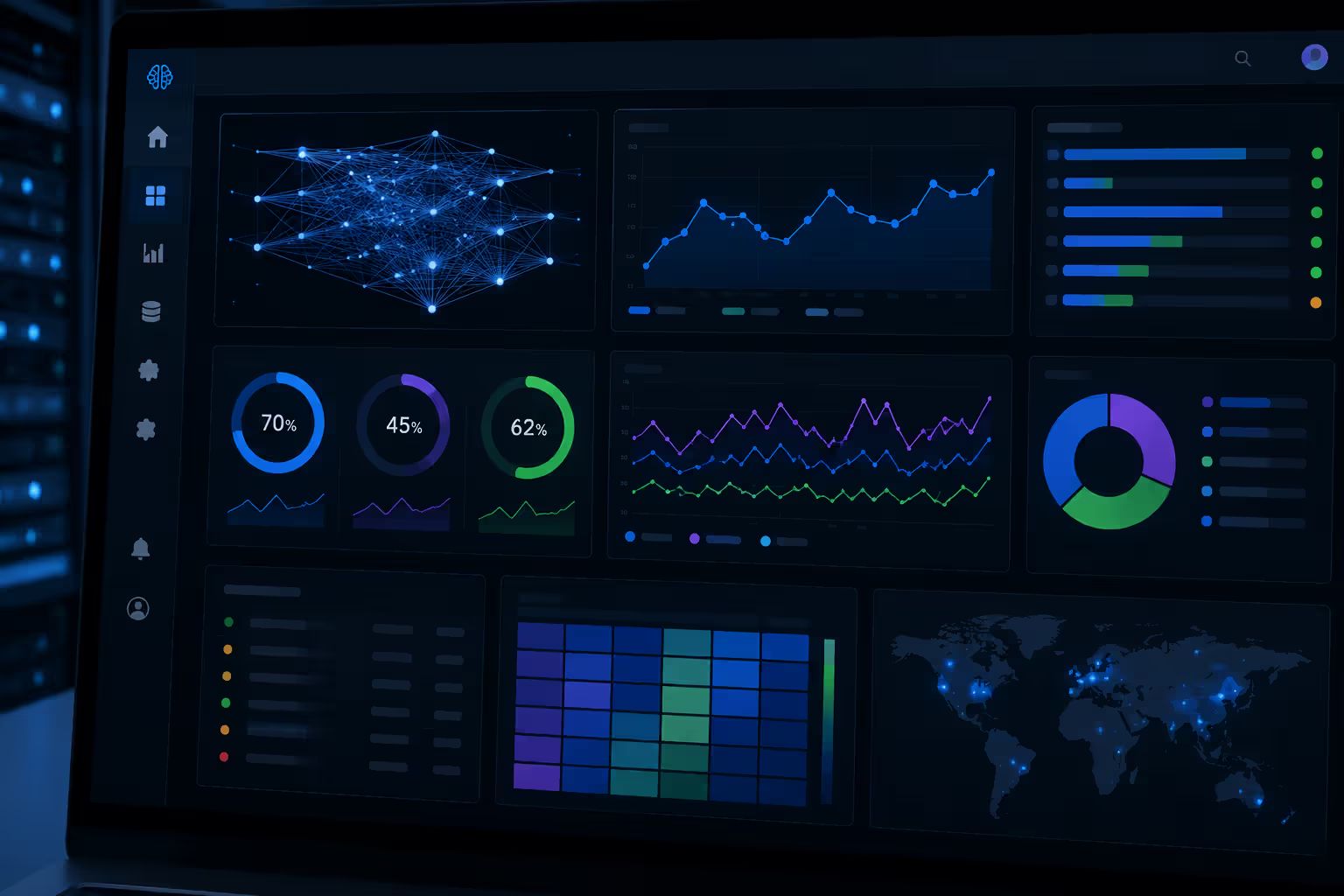
Orchestration software ties everything together. Kubernetes manages containerized workloads, scaling services up or down based on demand. MLOps platforms like Kubeflow or MLflow handle model versioning, experiment tracking, and deployment pipelines. Monitoring tools track GPU utilization, memory usage, and training metrics in real time. Without proper orchestration, you're manually juggling dozens of moving parts—a recipe for errors and inefficiency.
AI Hardware Requirements for Different Use Cases
Not all AI workloads need the same infrastructure. Training and inference have different profiles. A startup experimenting with computer vision has different needs than a Fortune 500 company running production recommendation systems at global scale.
Training Infrastructure Needs
Training is the most resource-intensive phase. You're iterating through millions or billions of data points, adjusting model weights through backpropagation, often for days or weeks. This demands maximum compute power and memory.
Large language models push hardware to extremes. GPT-3 required an estimated 355 GPU-years of compute—thousands of GPUs running for months. Even smaller models need serious resources. Training a ResNet-50 image classifier on ImageNet takes about 8 hours on eight V100 GPUs. Drop down to a single consumer GPU and you're waiting days.
Memory capacity often becomes the limiting factor before raw compute. Transformer models with billions of parameters won't fit in GPU memory without techniques like gradient checkpointing or model parallelism. A 7-billion-parameter model needs roughly 28 GB just to store weights in full precision, before accounting for activations and optimizer states. That pushes you toward 80 GB GPUs like the A100 or distributed training across multiple cards.
Storage throughput matters more during training than total capacity. If your data pipeline can't keep GPUs fed, you're burning money on idle hardware. The pattern I see most often is teams upgrading GPUs for speed, then discovering their storage or preprocessing pipeline is the real bottleneck. SSDs with 5,000+ MB/s read speeds or distributed file systems become necessary at scale.
Inference and Deployment Requirements
Inference—running trained models on new data—has different priorities. Latency, throughput, and cost efficiency matter more than raw training speed. A production API serving user requests needs consistent response times under 100 milliseconds. Batch processing systems prioritize throughput: how many images per second can you classify?
You can often use smaller, cheaper hardware for inference. CPUs handle many inference workloads adequately, especially after model optimization. Quantization reduces model precision from 32-bit to 8-bit or lower, cutting memory requirements and speeding up inference with minimal accuracy loss. A quantized BERT model might run 3× faster on a CPU than the full-precision version.
Edge deployment introduces new constraints. Running models on smartphones, IoT devices, or autonomous vehicles means limited power, memory, and compute. Specialized chips like Google's Edge TPU or Apple's Neural Engine optimize for efficient inference. Model compression techniques—pruning, distillation, knowledge transfer—shrink models to fit resource-constrained environments.
Scalability patterns differ too. Inference typically scales horizontally: add more servers behind a load balancer as traffic grows. Training often requires vertical scaling or distributed approaches with tight coupling between nodes.
AI Cloud Infrastructure vs. On-Premises Data Centers
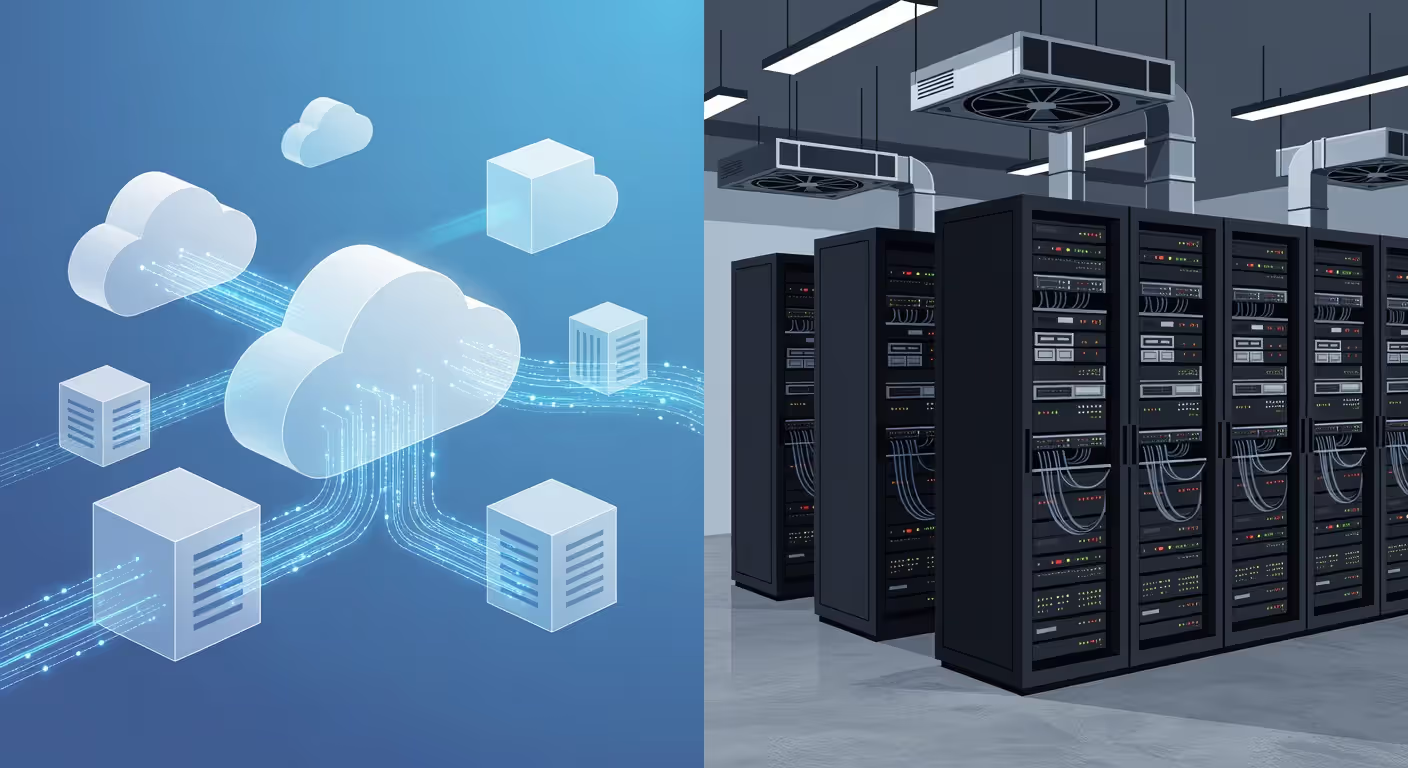
The cloud-versus-on-premises decision shapes your infrastructure strategy for years. Both approaches work, but the trade-offs vary dramatically based on scale, workload patterns, and organizational constraints.
Cloud platforms offer instant access to massive compute resources without upfront capital expenditure. Need 100 GPUs for a two-week training run? Spin them up, use them, shut them down. AWS, Google Cloud, Azure, and Oracle all provide on-demand access to latest-generation AI accelerators. You're renting infrastructure by the hour, paying only for what you use.
The flexibility comes at a price—literally. Cloud GPU instances cost $1–$5+ per hour depending on the card. A single H100 instance on AWS can run $30+ per hour. Run that 24/7 for a month and you're spending over $20,000. For continuous workloads, the math shifts toward owned hardware. A purchased GPU amortized over three years might cost one-third as much per hour.
On-premises data centers give you control and, at sufficient scale, better economics. If you're running training jobs constantly, buying hardware makes sense. The breakeven point typically hits around 12–18 months of continuous usage. After that, you're ahead financially.
But on-prem means you're responsible for everything: power, cooling, maintenance, upgrades, and capacity planning. Data centers need redundant power supplies, precision cooling to handle GPU heat loads, and expert staff. Building out a 100-rack AI data center can take 18–24 months and cost millions before you run a single model.
Hybrid models split the difference. Keep steady-state workloads on-prem where economics favor ownership. Burst to the cloud for peak demand, experiments, or new workload types before committing to hardware. This works well if your architecture supports portability—containerized workloads, cloud-agnostic tooling, and consistent APIs.
On-demand, Spot (up to 70% discount), Reserved Instances
SageMaker (managed ML platform), Bedrock (managed foundation models), EC2 instances with full control
Enterprises needing broad service ecosystem, teams wanting managed ML platforms, workloads with variable demand
Google Cloud
A100, H100, V100, T4, TPU v4/v5
On-demand, Spot (preemptible), Committed Use Discounts
Vertex AI (managed ML), TensorFlow optimization, BigQuery ML integration
Organizations using TensorFlow, teams needing TPU access, data-heavy workloads leveraging BigQuery
Azure
A100, H100, V100, NDv4/NDv5 series
Pay-as-you-go, Spot, Reserved Instances
Azure Machine Learning, integration with Microsoft ecosystem, OpenAI Service
Microsoft-centric enterprises, teams using .NET or Azure DevOps, organizations wanting OpenAI model access
Oracle Cloud
A100, H100, NVIDIA GPU clusters
Pay-as-you-go, lower per-GPU pricing than competitors
OCI Data Science, autonomous database integration
Cost-sensitive workloads, Oracle database users, teams needing bare-metal GPU performance
Cost optimization strategies differ by platform. AWS Spot Instances offer steep discounts but can be interrupted. Google's preemptible VMs and committed use discounts reward planning. Azure's reserved instances lock in lower rates for one or three years. The simpler option usually wins here: start on-demand to understand your workload, then optimize once patterns emerge.
Machine Learning Infrastructure Design Principles
Good machine learning infrastructure isn't just about fast hardware. It's about building systems that let data scientists iterate quickly, deploy reliably, and maintain models over time without chaos.
Data pipelines form the foundation. Raw data needs cleaning, transformation, and feature engineering before it's ready for training. These pipelines should be reproducible, versioned, and monitored. Tools like Apache Airflow or Prefect orchestrate multi-step workflows. Data quality checks catch problems early—garbage in, garbage out still applies.
Storage architecture requires more thought than traditional databases. You need separate storage tiers: hot storage (NVMe SSDs) for active training data, warm storage (HDDs or object storage) for historical datasets, and cold storage (S3 Glacier, Azure Archive) for compliance or backup. Tiering saves money without sacrificing performance where it matters.
Model versioning prevents the nightmare scenario where a model performs well in testing but you can't remember which code, data, and hyperparameters produced it. Systems like MLflow or DVC (Data Version Control) track experiments, log metrics, and store model artifacts. You should be able to reproduce any model from six months ago with a single command.
Experiment tracking becomes critical as teams grow. Data scientists run hundreds of experiments with different architectures, hyperparameters, and datasets. Without centralized tracking, knowledge lives in scattered notebooks and Slack messages. Platforms like Weights & Biases or Neptune organize experiments, visualize metrics, and make it easy to compare runs.
Orchestration and scheduling manage resource allocation. Kubernetes dominates this space, letting you define resource requests (minimum needed) and limits (maximum allowed) per workload. GPU sharing, job queuing, and autoscaling prevent resource contention. A well-configured cluster runs multiple experiments in parallel, maximizing hardware utilization.
Monitoring and observability catch problems before they cascade. Track GPU utilization—if cards sit below 60% usage, something's wrong. Monitor training metrics for divergence or plateau. Set up alerts for infrastructure issues: overheating, network saturation, or storage failures. Production inference systems need latency percentiles, throughput metrics, and model accuracy monitoring to detect drift.
How to Plan AI Data Center Requirements
Author: Selena Briarwood;
Source: aleanetwork.net
Building or expanding an AI data center requires planning around power, cooling, physical space, and network capacity—all at scales that exceed traditional IT infrastructure.
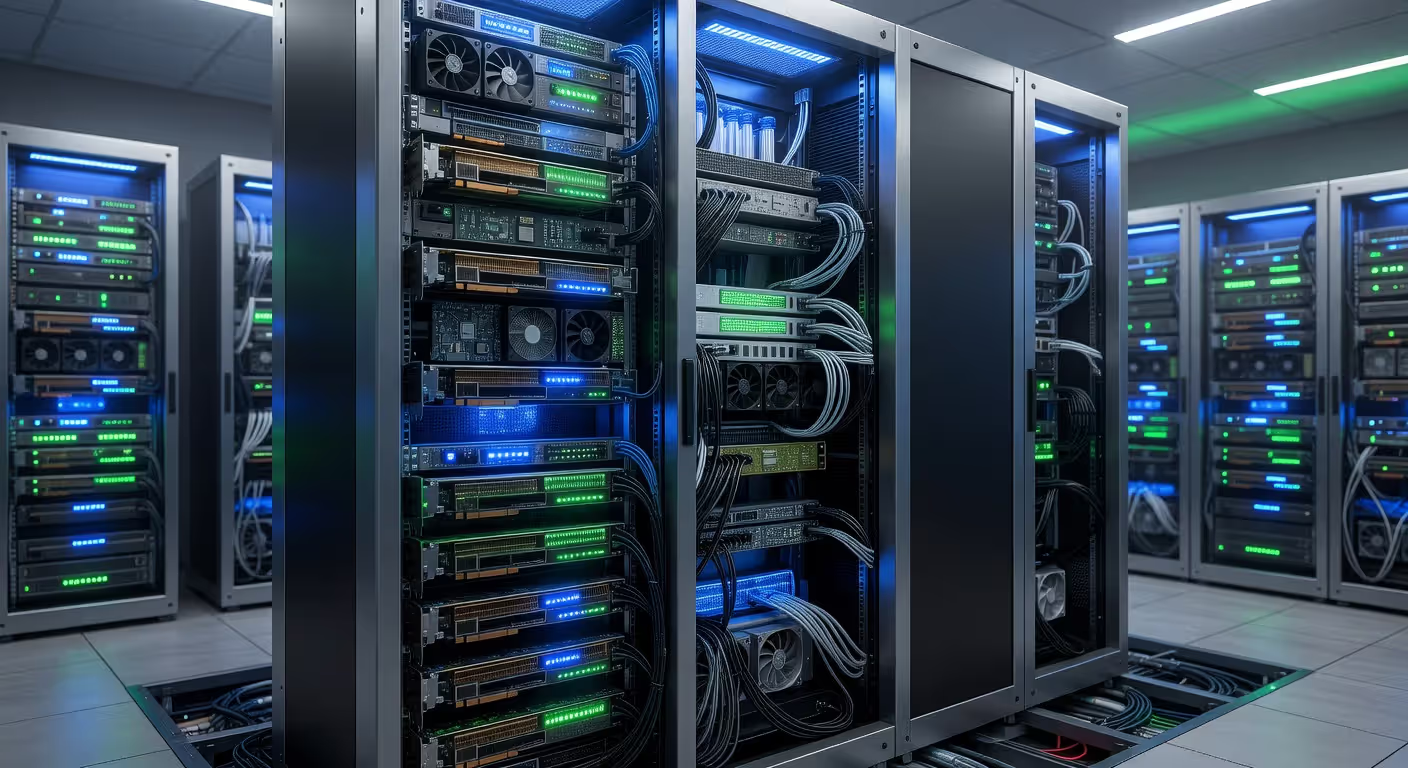
Power density in AI racks far exceeds standard servers. A traditional server rack might draw 5–8 kW. A dense GPU rack can pull 30–50 kW or more. A single DGX H100 system consumes 10.2 kW. That means data centers designed for traditional workloads hit power limits long before they fill with AI hardware. You need high-capacity power distribution—480V three-phase circuits—and often dedicated substations for large deployments.
Cooling becomes the next challenge. GPUs generate massive heat. A rack pulling 40 kW dumps 136,000 BTU/hour into the room. Standard air cooling struggles at these densities. Modern AI data centers use hot-aisle containment, in-row cooling, or liquid cooling solutions. Direct-to-chip liquid cooling can handle 80+ kW per rack but requires specialized infrastructure and expertise.
Physical rack design matters more than you'd think. AI servers are dense and heavy. A fully loaded GPU server can weigh 80–100 pounds. Racks need reinforced mounting, cable management for dozens of high-speed connections, and accessibility for maintenance. Fiber optic cabling for high-speed interconnects requires careful routing to avoid damage.
Network bandwidth scales with cluster size. A 100-GPU training cluster might need 400 Gbps or more of east-west bandwidth between nodes. Spine-and-leaf network topologies provide non-blocking bandwidth. Oversubscription ratios should stay low—1:1 or 2:1—to prevent communication bottlenecks during distributed training.
Redundancy and reliability balance cost against downtime risk. Dual power supplies, redundant network paths, and hot-swappable components are standard. But do you need N+1 or 2N power redundancy? Can your workloads tolerate brief interruptions, or do you need five-nines uptime? Training jobs can often restart from checkpoints, making them more tolerant of failures than real-time inference services.
Capacity planning requires forecasting growth. AI workloads tend to expand faster than traditional IT. Models grow larger, datasets expand, and new use cases emerge. Plan for 2–3 years of growth, but maintain flexibility. Modular designs let you add capacity incrementally rather than overbuilding upfront.
The biggest mistake I see organizations make is treating AI infrastructure as a one-time build. Your models will evolve, your data will grow, and new techniques will emerge. Infrastructure needs to be adaptable, not optimized for today's workload at the expense of tomorrow's flexibility. The teams that succeed build systems that can change with their needs, not rigid architectures that lock them into yesterday's decisions.
— Chen Sarah
Common AI Deployment Infrastructure Mistakes to Avoid
Even experienced teams stumble when building AI deployment infrastructure. These mistakes show up repeatedly across organizations.
Underestimating storage needs tops the list. Teams focus on GPU specs and forget that models need data—lots of it. A computer vision project might start with 100,000 images (50 GB) but grow to millions (multiple terabytes) as the project matures. Plan for 10× growth in storage capacity and throughput. It's cheaper to overbuild storage than to retrofit later.
Ignoring network bottlenecks kills performance in distributed systems. You bought eight GPUs expecting near-linear speedup, but training is only 3× faster than one GPU. The culprit? Network bandwidth. GPUs spend half their time waiting for gradient synchronization over a 1 Gbps network. Upgrading to 10 Gbps or 25 Gbps unlocks the performance you paid for.
Skipping monitoring and logging means flying blind. A training job fails after 36 hours. Was it out-of-memory? Bad data? Network timeout? Without proper logging, you're guessing. Set up centralized logging (ELK stack, Grafana Loki) and metrics collection (Prometheus, Datadog) from day one. The overhead is minimal, and it saves hours of debugging.
Vendor lock-in sneaks up on teams using cloud-specific services. AWS SageMaker is convenient, but it ties your pipelines to AWS APIs. Migrating later means rewriting significant code. Where possible, use cloud-agnostic tools—Kubernetes, MLflow, open-source frameworks—that work across providers. You don't have to avoid cloud services entirely, just be strategic about where you accept lock-in.
Poor resource allocation wastes money. Auto-scaling sounds great until you realize your cluster spins up 50 GPUs for a job that needs 5. Or worse, you're paying for idle GPUs overnight because no one set up automatic shutdown. Implement resource quotas, job scheduling, and automatic cleanup policies. A well-configured system can cut cloud costs by 40–60%.
Neglecting security and compliance creates risk. AI systems often process sensitive data—customer information, health records, financial data. Encryption at rest and in transit should be standard. Access controls need to be granular: who can access raw data, who can deploy models, who can modify infrastructure. Audit logs track activity for compliance. Don't treat AI infrastructure as a special case exempt from security best practices.
Overengineering too early is tempting. You read about how Google does ML infrastructure and try to replicate it with a three-person team. Start simple. A single GPU instance and a GitHub repo will take you surprisingly far. Add complexity—orchestration, distributed training, custom pipelines—only when you hit clear limitations. Premature optimization wastes time on infrastructure instead of improving models.
On-demand, Spot (up to 70% discount), Reserved Instances
SageMaker (managed ML platform), Bedrock (managed foundation models), EC2 instances with full control
Enterprises needing broad service ecosystem, teams wanting managed ML platforms, workloads with variable demand
Google Cloud
A100, H100, V100, T4, TPU v4/v5
On-demand, Spot (preemptible), Committed Use Discounts
Vertex AI (managed ML), TensorFlow optimization, BigQuery ML integration
Organizations using TensorFlow, teams needing TPU access, data-heavy workloads leveraging BigQuery
Azure
A100, H100, V100, NDv4/NDv5 series
Pay-as-you-go, Spot, Reserved Instances
Azure Machine Learning, integration with Microsoft ecosystem, OpenAI Service
Microsoft-centric enterprises, teams using .NET or Azure DevOps, organizations wanting OpenAI model access
Oracle Cloud
A100, H100, NVIDIA GPU clusters
Pay-as-you-go, lower per-GPU pricing than competitors
OCI Data Science, autonomous database integration
Cost-sensitive workloads, Oracle database users, teams needing bare-metal GPU performance
FAQ: AI Infrastructure Questions Answered
What is the difference between AI infrastructure and traditional IT infrastructure?
AI infrastructure prioritizes parallel processing power (GPUs/TPUs), high-throughput storage, and low-latency networking for distributed workloads. Traditional IT infrastructure focuses on general-purpose computing, transaction processing, and database operations. AI workloads are compute-intensive and data-hungry in ways that standard enterprise systems aren't designed to handle. A typical AI training job might use 100× more compute and 50× more storage bandwidth than a business application serving the same number of users.
How much does AI infrastructure cost for a startup?
Starting costs can range from a few hundred dollars per month to tens of thousands, depending on your approach. A cloud-based setup with occasional GPU usage for experimentation might run $500–$2,000 monthly. Serious development with regular training jobs can hit $5,000–$20,000 per month. On-premises hardware requires upfront investment—a workstation with a single high-end GPU costs $5,000–$15,000, while a small cluster starts around $50,000. Most startups begin in the cloud to minimize upfront costs and switch to owned hardware only after validating product-market fit and achieving steady workload patterns.
Can you build AI infrastructure without a data center?
Yes, and most organizations do. Cloud providers handle the data center complexity—you just rent the resources. For smaller-scale work, even a workstation with one or two GPUs under someone's desk counts as AI infrastructure. Edge deployment runs models on devices with no data center at all. You only need your own data center if you're running large-scale, continuous workloads where cloud costs become prohibitive, or if regulatory requirements prevent using public cloud. Many successful AI companies never build their own data centers.
What are the minimum hardware requirements to run machine learning models?
For learning and small experiments, a laptop with 16 GB RAM and a mid-range GPU (like an NVIDIA RTX 3060 or better) works fine. Serious development benefits from 32+ GB RAM, a high-end GPU (RTX 4090, A6000), and fast SSD storage. Production inference on CPUs is viable for many models after optimization—a modern server CPU with 8+ cores can handle moderate traffic. Training large models requires more: multiple high-end GPUs, 100+ GB of system RAM, and terabytes of fast storage. The requirements scale with model size and dataset complexity, but you can accomplish a lot with surprisingly modest hardware if you're strategic about model architecture and optimization.
Which cloud provider is best for AI infrastructure?
It depends on your specific needs. AWS offers the broadest service ecosystem and most mature tooling, making it a safe default choice. Google Cloud excels if you're using TensorFlow or need TPU access, and BigQuery integration is excellent for data-heavy workflows. Azure makes sense for Microsoft-centric organizations or teams wanting access to OpenAI models. Oracle Cloud often has lower per-GPU pricing, appealing for cost-sensitive workloads. Most teams should start with whichever provider they already use for other infrastructure to minimize operational complexity, then evaluate alternatives if costs or capabilities become limiting factors.
How do you scale AI infrastructure as your models grow?
Start by scaling vertically—use larger GPU instances or add more GPUs to a single node. This works until you hit single-machine limits (typically 8–16 GPUs). Then move to distributed training across multiple nodes, which requires high-speed networking and frameworks that support model or data parallelism. For inference, scale horizontally by adding more servers behind a load balancer. Cloud auto-scaling handles traffic spikes automatically. Storage should scale independently—use object storage (S3, GCS) that grows without manual intervention. The key is building systems that decouple compute, storage, and networking so each can scale independently based on bottlenecks rather than scaling everything together.
Building AI infrastructure isn't about chasing the latest hardware or copying what tech giants do. It's about matching your resources to your actual workload requirements, planning for growth without overbuilding, and maintaining flexibility as models and techniques evolve. Start with the simplest setup that meets your needs, measure what matters, and scale deliberately based on real bottlenecks rather than assumptions. The infrastructure that works is the one that lets your team focus on improving models rather than fighting with systems.
An AI data analyst uses machine learning to automate data analysis tasks—pattern recognition, anomaly detection, and insight generation—that traditionally required hours of manual work. Learn how these tools differ from human analysts, the core technologies behind them, and which platforms fit your needs.
An AI writing assistant uses natural language processing and machine learning to help you draft, edit, and polish content. Discover how these tools work, what they can create, their accuracy limitations, and how to choose the right AI writing software for your needs.
Learn everything about data visualization—from basic chart types to AI-powered tools. Discover techniques, compare popular software, avoid common mistakes, and follow best practices to transform complex data into clear, actionable insights for better decision-making.
A knowledge base is your organization's single source of truth for documentation, FAQs, and processes. This guide covers what knowledge bases are, how they work, AI-powered features, setup steps, tool comparisons, and best practices for building one that drives adoption.
The content on this website is provided for general informational and educational purposes only. It is intended to explain concepts related to AI tools, agents, developer infrastructure, coding assistants, APIs, and productivity workflows.
All information on this website, including articles, guides, and examples, is presented for general educational purposes. Outcomes and tool performance may vary depending on implementation, skill level, and use case.
This website does not provide professional AI consulting, development services, or guarantees of results, and the information presented should not be used as a substitute for consultation with qualified AI or software development professionals.
The website and its authors are not responsible for any errors or omissions, or for any outcomes resulting from decisions made based on the information provided on this website.