Meetings pile up. Notes get messy. Details slip through the cracks. That's the reality for most teams juggling back-to-back video calls, client interviews, and brainstorming sessions. An ai note taker changes this dynamic by automatically capturing, transcribing, and organizing everything said during your meetings—no frantic typing required. These tools use speech recognition and natural language processing to turn spoken words into searchable, shareable text. You'll spend less time scribbling and more time actually engaging with the conversation. The technology has matured rapidly, and by 2026, accuracy rates for major platforms hover around 90–95% even with multiple speakers and mild background noise. Whether you're a remote team lead, a freelance consultant, or a student attending virtual lectures, understanding how these tools work—and which one fits your workflow—can save you hours every week.
What Is an AI Note Taker and How Does It Work
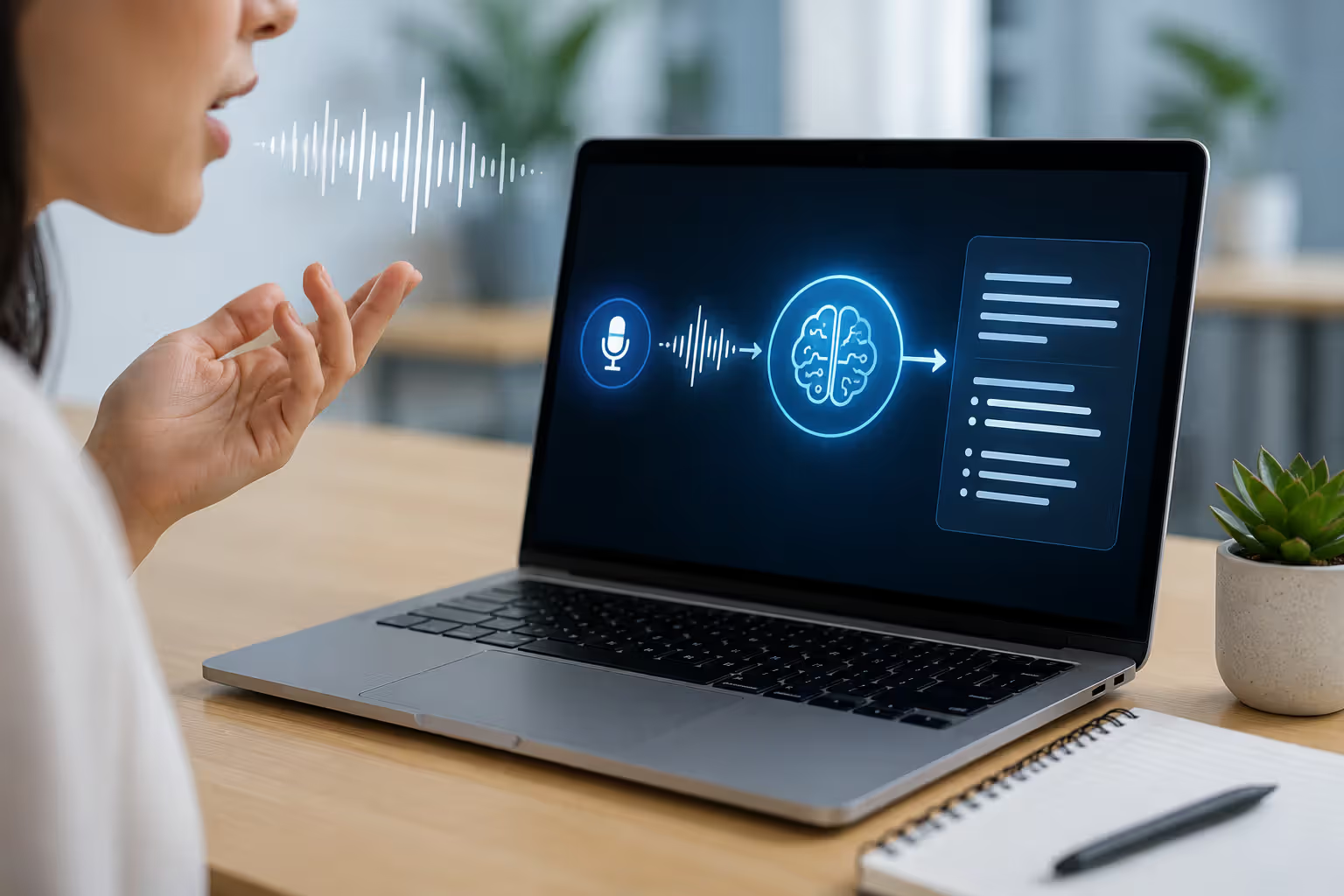
An ai note taker is software that listens to spoken conversation, transcribes it in real time, and often generates summaries or action items automatically. Think of it as a digital assistant that never gets tired or distracted. The core technology combines automatic speech recognition (ASR), natural language processing (NLP), and sometimes machine learning models fine-tuned for specific vocabularies or accents.
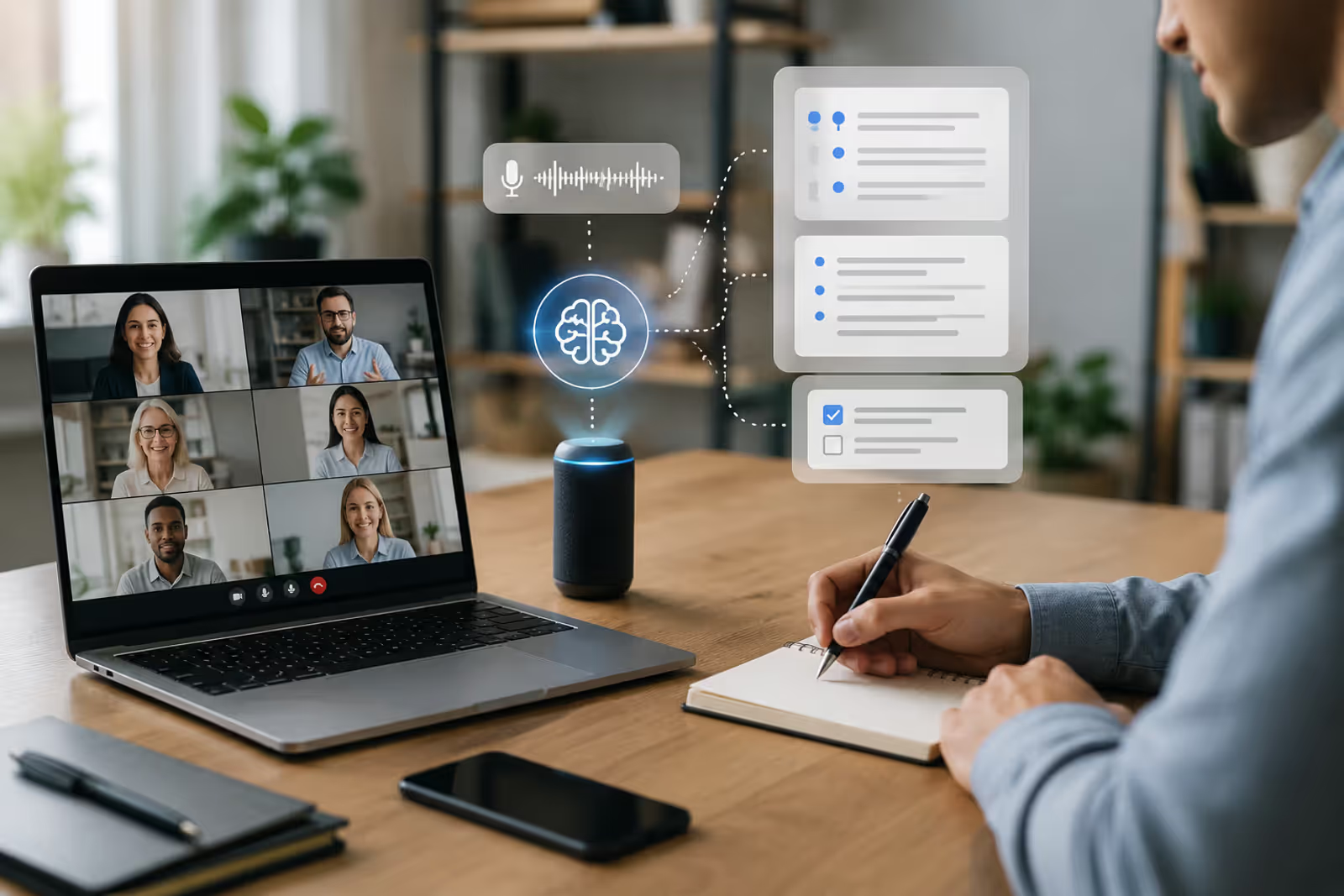
Here's the typical flow. You start a meeting on Zoom, Teams, or Google Meet—or even record audio from an in-person session. The ai notetaker connects to the audio stream (either by joining as a virtual participant or integrating via API). ASR engines convert speech to text, often in chunks of a few seconds. NLP algorithms then identify sentence boundaries, speaker changes, and key phrases. Some tools go further, tagging action items, decisions, or questions as they appear.
Use cases are broad. Remote teams rely on these tools to document sprint planning and retrospectives. Sales reps record client calls to review objections and next steps. Journalists and researchers transcribe interviews without replaying hours of audio. Students capture lecture content they can search later. The pattern I see most often is people using an ai note taker not to replace their attention, but to free it—so they can focus on the discussion instead of typing.
One common misconception: these tools don't "understand" content the way a human does. They recognize patterns in audio and text. That's why accuracy can drop with heavy accents, domain-specific jargon, or overlapping speech. But modern models trained on millions of hours of diverse audio handle everyday conversation remarkably well.
Author: Adrian Westmere;
Source: aleanetwork.net
Key Features to Look for in an AI Note Taking App
Not all ai note taking app options are created equal. You'll want to evaluate a handful of core features before committing to a platform—especially if your team will rely on it daily.
Real-time transcription is table stakes. The tool should produce text as people speak, with minimal lag (under five seconds is ideal). This lets you glance at the transcript during the meeting to verify accuracy or catch a name you missed.
Speaker identification (also called diarization) labels who said what. If you're in a six-person meeting, you don't want a wall of undifferentiated text. Better tools let you assign names to speaker labels or auto-detect them if participants join with their real names.
Integrations matter more than you'd think. Does the app plug into your calendar to auto-join scheduled meetings? Can it push notes to Slack, Notion, or your CRM? Seamless handoffs save you from copy-paste drudgery.
Searchability turns transcripts into a knowledge base. You should be able to type "budget approval" and jump straight to the relevant timestamp. This feature alone justifies the investment for teams with frequent strategy calls.
Summary generation is where NLP shines. The smart note taker app distills an hour-long meeting into bullet points: decisions made, action items, open questions. Quality varies—some summaries are spot-on, others miss nuance—but even a rough outline beats starting from scratch.
Language support expands your options if you work with international clients or multilingual teams. Leading platforms support 30+ languages, though accuracy outside English, Spanish, and Mandarin can lag.
Security and privacy are non-negotiable for sensitive discussions. Look for end-to-end encryption, SOC 2 compliance, and clear data retention policies. If you're recording client calls or internal strategy sessions, you need to know where that audio lives and who can access it.
One mistake people make: choosing a tool based on a single flashy feature (like AI-generated summaries) while ignoring basics like speaker ID or search. Prioritize the fundamentals first.
Types of AI Note Capture Tools Available
The ai note capture tools landscape breaks into a few distinct categories, each optimized for different workflows.
Meeting-specific platforms (Otter.ai, Fireflies.ai, Fathom) are built to join video calls, transcribe them, and sync notes with your calendar. They typically offer browser extensions or native integrations with Zoom, Teams, and Meet. These tools excel at recurring team meetings and client calls. They're less useful for one-off voice memos or offline recordings.
General transcription apps (Rev, Descript, Trint) handle any audio or video file you upload. You record a lecture on your phone, drop the file into the app, and get a transcript back. They often include editing interfaces where you can correct errors or add timestamps. Great for journalists, content creators, and researchers who need flexibility beyond live meetings.
Productivity suite add-ons live inside tools you already use. Microsoft Teams has built-in transcription. Google Meet offers captions and basic transcripts. Notion and Obsidian have plugins that integrate with external ai transcription notes tool services. These options are convenient if you want fewer apps in your stack, but feature sets tend to be lighter than standalone platforms.
Mobile vs desktop solutions also matter. Some tools work beautifully on iOS and Android, letting you record in-person conversations on the go. Others are desktop-first, with mobile apps that feel like afterthoughts. If you attend a lot of face-to-face meetings or conduct field interviews, prioritize mobile performance.
A quick comparison: meeting-specific tools usually offer the best real-time experience and calendar sync. General transcription apps give you more control over editing and export formats. Productivity add-ons minimize context-switching but may lack advanced features. Choose based on where you spend most of your time.
Author: Adrian Westmere;
Source: aleanetwork.net
How AI Meeting Note Taker Apps Save Time and Improve Accuracy
The efficiency gains from an ai meeting note taker are measurable. A 2025 study by a workplace analytics firm found that knowledge workers spend an average of 4.2 hours per week in meetings, with roughly 30 minutes of that time dedicated to manual note-taking. Multiply that across a 50-person team, and you're looking at 25 hours a week—more than half a full-time role—just typing and organizing notes.
Automated meeting notes ai tools reclaim that time. You show up, participate, and the transcript appears in your inbox minutes after the call ends. No more scrambling to remember who volunteered for the follow-up task or what the client's exact concern was. The notes are there, timestamped and searchable.
Accuracy improves too, but not in the way you might expect. AI transcription isn't flawless—it'll mishear names, stumble on acronyms, and occasionally produce nonsense when audio quality dips. But human note-takers miss things too. We zone out, misinterpret, or prioritize what we think is important (which might not align with what the team needs). An ai note taker captures everything, giving you a complete record to review. You can catch the detail you missed or verify a quote before acting on it.
Searchable archives transform how teams access past decisions. Instead of digging through Google Docs or Slack threads, you type a keyword and pull up the exact meeting where the topic came up. This is huge for onboarding new hires or revisiting strategy discussions months later.
Collaboration gets easier. Everyone on the call receives the same transcript, so there's no "he said, she said" about what was agreed. You can tag teammates in specific sections, assign action items, and track follow-through—all within the same platform.
One counterintuitive benefit: better meeting discipline. When you know every word is being recorded and transcribed, people tend to stay on topic and speak more clearly. Rambling decreases. Decisions get articulated explicitly. It's a subtle cultural shift, but teams that adopt these tools often report tighter, more productive meetings.
Common Mistakes When Choosing Automated Meeting Notes AI
Picking the wrong automated meeting notes ai tool can cost you more than money—it can erode trust and waste hours on workarounds.
Ignoring privacy policies tops the list. Some platforms store audio on third-party servers indefinitely. Others sell anonymized data to train models. If you're discussing proprietary product plans or client health information, you need explicit guarantees about data handling. Always check whether the vendor is GDPR-compliant, HIPAA-certified (if relevant), and transparent about data retention. Don't assume "secure" means what you think it does.
Overlooking integrations is another trap. You find a tool with stellar transcription, but it doesn't sync with your calendar or push notes to your project management system. Now you're manually copying transcripts into Asana or Jira every day. That friction adds up. Before committing, map out your workflow: Where do notes need to go? Which apps do you use daily? Make sure the ai note taking app plays nicely with your stack.
Not testing accuracy with your specific context leads to disappointment. Most vendors advertise 90%+ accuracy, but that's under ideal conditions—clear audio, standard accents, general vocabulary. If your team uses industry jargon, speaks with non-American accents, or frequently talks over each other, accuracy can plummet. Run a trial with real meetings before signing an annual contract. Record a few typical calls and review the transcripts. Are names spelled correctly? Are technical terms recognized? If not, ask the vendor about custom vocabulary or accent training.
Choosing tools without editing features is shortsighted. Even the best AI makes mistakes. You'll need to correct misspellings, clarify ambiguous phrases, and sometimes reformat output. If the tool locks you into read-only transcripts, you're stuck with errors or forced to copy everything into a separate document. Look for inline editing, comment threads, and version history.
Cost vs needs mismatch happens when you overpay for features you don't use—or underpay and hit usage limits constantly. A solopreneur doesn't need enterprise-grade speaker ID and CRM sync. A 200-person sales org can't function on a free tier capped at five meetings per month. Be honest about your volume and must-have features, then pick a tier that fits.
The simpler option usually wins here. If you're torn between two tools, go with the one that requires fewer clicks to get notes into your hands.
Comparison Table: Popular Smart Note Taker Apps
Here's a snapshot of leading smart note taker app options as of 2026. Pricing and features evolve, so verify details on vendor sites before committing.
Tool
Key Features
Pricing
Best For
Integrations
Otter.ai
Real-time transcription, speaker ID, mobile app, AI summaries
Free tier (600 min/month); Pro $16.99/month; Business $30/user/month
Teams with frequent Zoom/Meet calls, async collaboration
Zoom, Google Meet, Microsoft Teams, Slack, Salesforce
Otter and Fireflies dominate the meeting-specific category. Fathom's free tier is hard to beat for individuals. Descript is the go-to if you also need to edit video or audio. Teams already on Microsoft 365 should try the built-in transcription before paying for a third-party tool. Trint shines for multilingual projects and media workflows.
The ability to offload cognitive tasks—like note-taking—to reliable automation doesn't make us lazier. It makes us more present. When your brain isn't scrambling to capture every detail, it can focus on synthesis, strategy, and human connection. That's where real productivity lives.
— Newport Cal
FAQ: AI Note Taker Questions Answered
Are AI note takers accurate enough for professional meetings?
Yes, but with caveats. Top-tier platforms achieve 90–95% accuracy under good conditions—clear audio, standard accents, minimal crosstalk. That's reliable enough for most professional contexts. You'll still want to skim the transcript afterward to catch errors, especially with proper nouns, technical terms, or numbers. For high-stakes meetings (board presentations, legal depositions), consider having a human review the output before sharing it widely. The key is treating AI transcripts as a strong first draft, not a final document.
How much do AI meeting note taker apps typically cost?
Pricing ranges from free to $30+ per user per month. Free tiers (Otter, Fathom, Fireflies) usually cap monthly minutes or limit features like speaker ID and integrations. Mid-tier plans ($10–$20/month) unlock unlimited transcription, advanced search, and CRM sync. Enterprise plans add security certifications, custom vocabulary, and dedicated support. For individuals, free or $10/month plans often suffice. Teams of 10+ typically land in the $15–$25/user/month range. Calculate your monthly meeting hours and compare cost per hour transcribed—it's often cheaper than you'd expect.
Can AI transcription notes tools work offline?
Most can't. Real-time transcription relies on cloud-based ASR models that require an internet connection. A few mobile apps (Google Recorder, some premium tiers of Otter) offer limited offline transcription for short recordings, but accuracy and feature sets are reduced. If offline capability is critical—say, you're conducting field research in remote areas—look for tools that let you record locally and upload for transcription later. Descript and Trint handle this workflow well.
Do smart note taker apps integrate with Zoom, Teams, and Google Meet?
The major players do. Otter, Fireflies, and Fathom all join Zoom, Teams, and Google Meet calls as virtual participants (you'll see a bot named "Otter" or "Fireflies" in the attendee list). They can also sync with your calendar to auto-join scheduled meetings. Microsoft Teams has built-in transcription, so no third-party tool is needed if you're already on that platform. Google Meet's native transcription is more basic but improving. Always check integration lists on vendor sites—some tools support certain platforms only on higher-priced tiers.
Are my meeting notes private and secure with AI note capture tools?
It depends on the vendor. Reputable platforms encrypt data in transit and at rest, but policies vary on storage duration, data access, and third-party sharing. Otter and Fireflies state they don't sell user data; Microsoft and Google transcripts stay within your organization's tenant. Always review the privacy policy and terms of service. For sensitive discussions, look for SOC 2 Type II compliance, GDPR adherence, and options to delete recordings immediately after transcription. Some tools let you disable cloud storage entirely, keeping audio on your device. If in doubt, consult your legal or IT team before recording client or internal strategy calls.
What languages do AI note taking apps support?
English dominates, but support for other languages is expanding. Otter and Fireflies primarily focus on English (with some Spanish support). Trint covers 40+ languages, including French, German, Mandarin, and Arabic. Google Meet and Microsoft Teams offer multilingual transcription across dozens of languages, though accuracy varies. If you need non-English transcription, test the tool with sample audio in your target language before committing. Accent handling also matters—an app that works well for British English might struggle with Indian or Australian accents. Run trials with your actual team to gauge real-world performance.
Choosing an ai note taker isn't about finding the "best" tool—it's about finding the right fit for your workflow, team size, and privacy requirements. Start with a free trial of two or three platforms, run them in parallel for a week, and see which one feels seamless. The tool that saves you the most time is the one you'll actually use. And once you've automated your meeting notes, you'll wonder how you ever managed without it.
An AI data analyst uses machine learning to automate data analysis tasks—pattern recognition, anomaly detection, and insight generation—that traditionally required hours of manual work. Learn how these tools differ from human analysts, the core technologies behind them, and which platforms fit your needs.
An AI writing assistant uses natural language processing and machine learning to help you draft, edit, and polish content. Discover how these tools work, what they can create, their accuracy limitations, and how to choose the right AI writing software for your needs.
Learn everything about data visualization—from basic chart types to AI-powered tools. Discover techniques, compare popular software, avoid common mistakes, and follow best practices to transform complex data into clear, actionable insights for better decision-making.
AI infrastructure includes the compute hardware, storage, networking, and orchestration that power machine learning systems. This guide covers core components, hardware requirements for training vs inference, cloud versus on-premises trade-offs, and practical planning strategies for organizations building AI capabilities.
The content on this website is provided for general informational and educational purposes only. It is intended to explain concepts related to AI tools, agents, developer infrastructure, coding assistants, APIs, and productivity workflows.
All information on this website, including articles, guides, and examples, is presented for general educational purposes. Outcomes and tool performance may vary depending on implementation, skill level, and use case.
This website does not provide professional AI consulting, development services, or guarantees of results, and the information presented should not be used as a substitute for consultation with qualified AI or software development professionals.
The website and its authors are not responsible for any errors or omissions, or for any outcomes resulting from decisions made based on the information provided on this website.