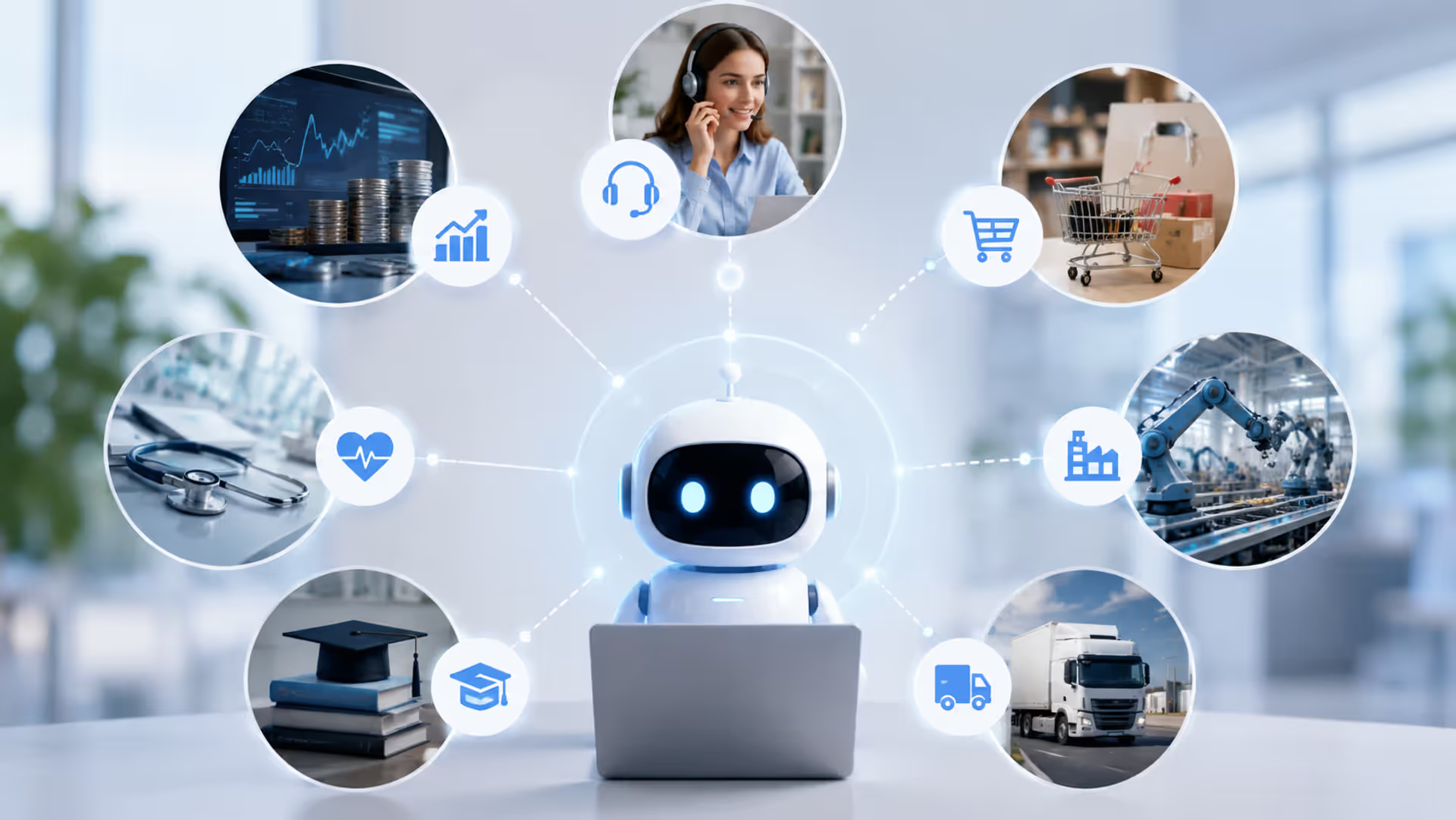
Businesses everywhere are asking the same question: what can AI agents actually do? You've heard the hype. You've seen the demos. But concrete, real-world examples? Those are harder to find.
That changes now. This article walks through actual AI agent deployments across industries—complete with workflows, named companies, and measurable results. No theory. Just what's working right now in 2026.
What Are AI Agents and How Do They Work
An AI agent is software that perceives its environment, makes decisions, and takes actions to achieve specific goals—without constant human oversight. That's the technical definition.
Here's what it means in practice: these systems observe data streams, interpret what's happening, decide on the best response, and execute tasks autonomously. They learn from outcomes and adjust their behavior over time.
Traditional automation follows rigid if-then rules. Click this button, send that email. AI agents are different. They handle ambiguity, adapt to new situations, and make judgment calls within defined parameters.
The core components? A perception module (how the agent "sees" its environment), a decision engine (often powered by large language models or machine learning), and an action layer that interfaces with other systems. Most agents in 2026 combine multiple AI techniques—natural language processing, predictive analytics, and reinforcement learning working together.
The pattern I see most often is businesses treating AI agents like fancy chatbots, then wondering why they underperform. Real agents orchestrate workflows across multiple systems. They don't just respond—they initiate, prioritize, and coordinate.
Customer Service and Support AI Agents
Customer service was the proving ground. It's where most companies first encountered AI agents that actually worked.
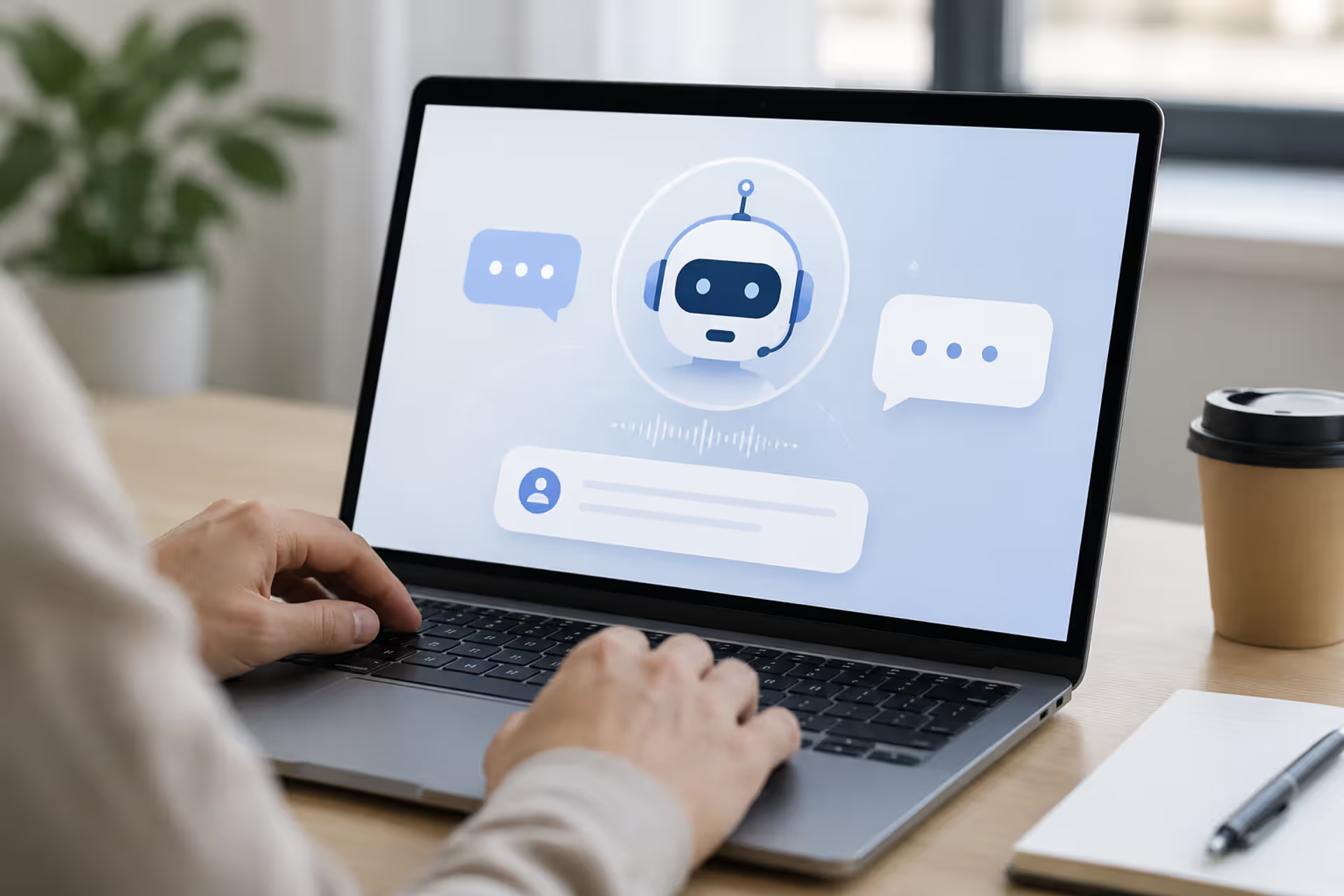
Chatbot and Virtual Assistant Examples
Klarna's AI assistant handles roughly two-thirds of customer service inquiries without human intervention. That's 2.3 million conversations monthly. The agent resolves issues in under two minutes on average—compared to eleven minutes for human agents in their 2024 baseline.
But here's what makes it a true agent versus a simple chatbot: it accesses order history, initiates refunds, updates shipping addresses, and escalates complex cases to humans with full context already attached. It doesn't just answer questions. It completes transactions.
Shopify's Sidekick agent takes this further. It helps merchants manage their stores through conversational commands. "Show me my best-performing products this month" triggers a data analysis workflow. "Create a discount code for returning customers" generates the code, applies the rules, and updates the storefront—all from one natural language request.
The workflow looks like this: natural language input → intent classification → parameter extraction → multi-step task execution → result verification → response generation. Each step involves decision-making, not just template filling.
Author: Isabelle Norwyn;
Source: aleanetwork.net
Ticket Routing and Resolution Systems
Zendesk's AI agents now auto-resolve 31% of incoming tickets in their enterprise deployments. The agent reads the ticket, checks knowledge bases, identifies the issue type, applies the solution, and closes the ticket—often before a human ever sees it.
Atlassian's Jira Service Management agents go deeper. They detect patterns across thousands of tickets, identify recurring issues, and automatically create bug reports or change requests for engineering teams. One telecommunications company using this system reduced repeat tickets by 44% in six months.
The mistake most teams make? Treating ticket routing as the end goal. Modern agents don't just route—they triage, research, attempt resolution, and only escalate what genuinely needs human judgment.
AI Agents in Sales and Marketing Operations
Sales and marketing operations generate massive data volumes and repetitive workflows. Perfect territory for AI agents.
Lead Qualification and Nurturing Agents
Drift's Conversational AI agents engage website visitors in real-time, qualify them against your ideal customer profile, book meetings directly into sales calendars, and route hot leads to the right rep—all while the prospect is still on your site.
A SaaS company called Gong deployed similar agents and saw their sales team's calendar fill rate jump from 23% to 61%. The agent asks qualifying questions, handles objections, and only hands off conversations when the prospect meets specific criteria and is ready to talk.
The workflow: visitor arrives → agent initiates contextual conversation → asks qualifying questions → scores responses against ICP → checks rep availability → books meeting or nurtures for later → logs everything to CRM → triggers follow-up sequences.
6sense's agents monitor buying signals across dozens of channels—web visits, content downloads, G2 reviews, job postings—and automatically adjust account scores and outreach priority. When an account shows intent spikes, the agent alerts the sales team and suggests specific talking points based on the content that account consumed.
Content Personalization Systems
Netflix's recommendation agent is well-known, but B2B companies are deploying similar systems. Salesforce's Marketing Cloud agents personalize email content, send times, and channel selection for each individual recipient based on their behavior patterns.
One retail bank using these agents increased email click-through rates by 89% and conversion rates by 34%. The agent tests variations, learns preferences, and continuously optimizes—not just A/B testing, but individualized optimization at scale.
The biggest shift in 2025-2026 wasn't better AI models—it was businesses finally understanding that agents need clear goals, access to real systems, and permission to take action. Once you give them that, the ROI becomes undeniable.
— Ramaswamy Priya
Enterprise Workflow and Automation Agents
Enterprise environments are complex. Legacy systems, compliance requirements, and cross-functional dependencies create challenges that simple automation can't handle.
IT Operations and DevOps Agents
PagerDuty's AIOps agents monitor infrastructure, detect anomalies, diagnose root causes, and in many cases, auto-remediate issues before they impact users. One e-commerce platform reduced incident response time from 47 minutes to 8 minutes after deploying these agents.
The agent correlates alerts across monitoring tools, checks runbooks, attempts standard fixes, and only pages humans when automated remediation fails. It learns which fixes work for which error patterns.
GitHub's Copilot Workspace agents go beyond code completion. They understand issue descriptions, propose architectural approaches, generate code across multiple files, write tests, and create pull requests. Developers review and refine rather than writing from scratch.
HashiCorp's Terraform agents manage infrastructure as code deployments. They detect configuration drift, propose corrections, run compliance checks, and execute approved changes—turning infrastructure management from a manual process into an autonomous workflow with human oversight at key decision points.
Supply Chain and Logistics Examples
Maersk's supply chain agents predict delays before they happen, automatically reroute shipments, and adjust delivery schedules across their global network. When a port experiences congestion, the agent recalculates optimal routes for affected containers and notifies customers of updated ETAs—all without human intervention.
A major automotive manufacturer deployed agents that monitor supplier performance, predict component shortages, and automatically trigger backup orders when risk thresholds are crossed. They reduced production line stoppages by 67% in the first year.
Author: Isabelle Norwyn;
Source: aleanetwork.net
The workflow complexity here is significant: real-time data ingestion from hundreds of sources → predictive modeling → constraint optimization → decision execution → performance tracking → model refinement. Traditional automation couldn't handle the variability.
HR and Recruiting Automation
Paradox's AI recruiting agents handle candidate screening, interview scheduling, and onboarding workflows. McDonald's uses their system to process millions of applications annually. The agent texts candidates, answers questions about the role, schedules interviews, and sends reminders—maintaining a 92% interview show-up rate.
Eightfold's talent intelligence agents match internal employees to new opportunities, predict flight risk, and recommend personalized development paths. One Fortune 500 company using this system increased internal mobility by 41% and reduced regrettable attrition by 28%.
The common mistake? Thinking these agents replace recruiters. They don't. They handle the repetitive coordination work so recruiters can focus on relationship-building and candidate experience.
Specialized AI Agent Types and Their Applications
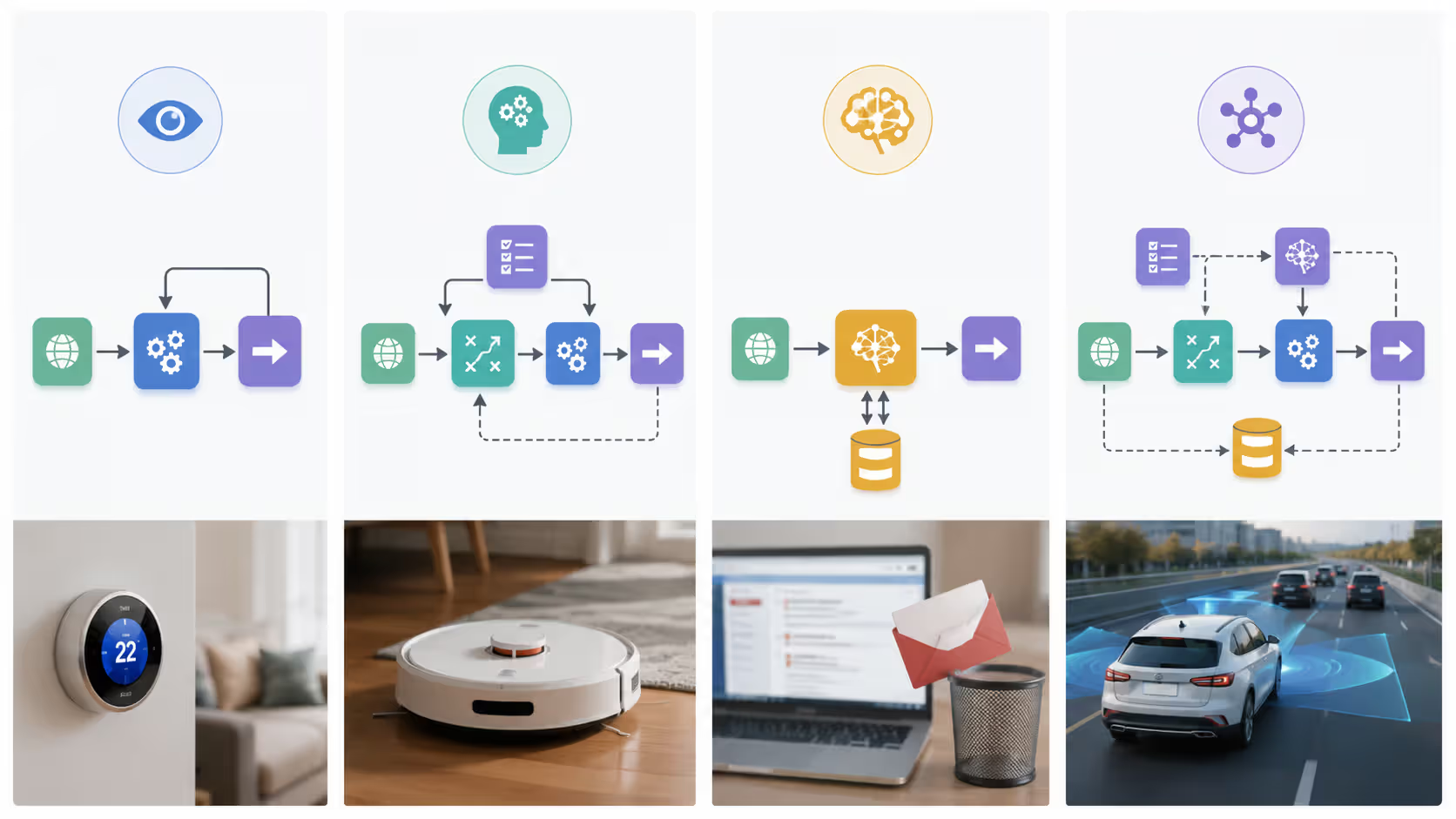
Not all agents work the same way. Understanding the different architectures helps you pick the right approach for your use case.
Agent Type
Characteristics
Best Use Cases
Complexity Level
Example Applications
Reactive
Responds to current inputs only; no memory of past interactions
High-speed decision-making with clear rules
Low
Spam filters, basic chatbots, game NPCs
Deliberative
Plans actions based on internal models and goals; maintains state
Route planning, strategic game AI, resource allocation
Learning
Improves performance over time through experience and feedback
Environments where optimal strategy isn't known upfront
High
Recommendation engines, fraud detection, personalization systems
Hybrid
Combines reactive speed with deliberative planning and learning capabilities
Real-world enterprise applications requiring adaptability and reliability
Very High
Customer service agents, autonomous trading systems, DevOps automation
Reactive agents operate on simple stimulus-response patterns. Gmail's spam filter is a reactive agent—it evaluates each email against learned patterns and makes an immediate classification. No memory of your previous emails affects the decision for the current one.
These agents are fast and reliable for well-defined tasks. But they can't adapt to changing contexts or learn from sequences of interactions.
Deliberative agents maintain an internal model of their environment and plan action sequences. Google Maps routing is deliberative—it considers your destination, current traffic, typical patterns, and alternative routes before suggesting a path. It's planning, not just reacting.
Waymo's autonomous vehicles use deliberative agents that model other drivers' likely behaviors, plan safe trajectories, and adjust plans as situations evolve. The planning happens continuously, not just once.
Learning agents improve through experience. Netflix's recommendation agent is a learning system—every show you watch, skip, or rate teaches it more about your preferences. The recommendations next month will be better than this month's because the agent learned from your behavior.
Fraud detection agents at banks operate similarly. They learn normal transaction patterns for each customer and flag anomalies. As they see more data and receive feedback on their alerts, accuracy improves.
Hybrid agents combine all three approaches. Salesforce's Einstein agents use reactive components for instant responses, deliberative planning for complex workflows, and continuous learning to improve over time. This architecture handles the messy reality of business operations where speed, planning, and adaptation all matter.
Author: Isabelle Norwyn;
Source: aleanetwork.net
Common AI Agent Deployment Challenges and Solutions
Real deployments hit real problems. Here's what actually goes wrong and how successful teams handle it.
Integration complexity tops the list. Your agent needs access to CRM, email, calendar, support tickets, inventory systems—often legacy platforms with limited APIs. One retail company spent four months just connecting their agent to existing systems.
The solution isn't better AI—it's better integration architecture. Successful deployments use middleware layers that abstract away system-specific details. The agent interacts with a unified API, and the middleware handles the messy reality of each backend system.
Measuring ROI causes endless debates. What's the value of a customer service agent that handles 60% of inquiries? You can calculate cost savings from reduced headcount needs, but that misses the bigger picture—faster response times, 24/7 availability, and freeing humans for complex cases.
The teams getting this right track multiple metrics: direct cost reduction, yes, but also customer satisfaction scores, employee satisfaction (agents handling the boring stuff improves morale), revenue impact from faster response times, and error reduction. The full ROI picture takes 6-12 months to emerge.
Scaling problems appear once you move beyond pilot projects. An agent that works beautifully for 100 daily interactions might crash at 10,000. Or worse—it works but makes inconsistent decisions at scale.
One financial services company found their loan processing agent approved applications at different rates depending on time of day and system load. Under stress, it defaulted to conservative decisions. They fixed it by implementing better resource allocation and decision consistency checks, but they didn't discover the problem until after scaling to production.
Trust and adoption create organizational friction. Employees worry about job security. Managers don't trust automated decisions. Customers prefer human interaction—or so everyone assumes.
The pattern that works? Start with tasks everyone hates. Nobody wants to manually route support tickets or schedule meetings. Deploy agents there first. Build trust through small wins. Then expand to more sensitive workflows.
One insurance company rolled out claims processing agents by having them work alongside humans for three months—making recommendations but not final decisions. Adjusters saw the agent was right 94% of the time. When it went fully autonomous, adoption was smooth because trust was already established.
Compliance and governance get complicated fast. Who's responsible when an agent makes a bad decision? How do you audit automated actions? What about data privacy when agents access customer information?
Regulated industries figured this out first. Healthcare and financial services agents maintain detailed audit logs, implement approval workflows for high-stakes decisions, and include human checkpoints at defined thresholds. The agent can process a $500 refund autonomously but escalates $5,000 refunds for human review.
Enterprise AI Agent Case Studies Summary
Company/Industry
Agent Type
Use Case
Key Results
Klarna / Financial Services
Hybrid customer service agent
Handle customer inquiries, process refunds, update account information
2.3M conversations/month, 2-minute avg resolution (vs. 11 min baseline), 67% of all inquiries handled autonomously
What's the difference between an AI agent and a chatbot?
A chatbot responds to user inputs with pre-programmed or generated text. It's reactive and conversation-focused. An AI agent takes actions across multiple systems to achieve goals. Think of it this way: a chatbot tells you your order status when you ask. An agent proactively monitors your shipment, detects a delay, rebooks it on a faster route, and notifies you—without you asking. Chatbots are one interface an agent might use, but agents do much more than chat.
How much does it cost to deploy an AI agent in a business?
It varies wildly based on complexity and scale. Simple customer service agents using platforms like Intercom or Drift start around $300-$500 monthly for small teams. Custom enterprise agents handling complex workflows typically cost $50,000-$250,000 to build and $2,000-$10,000 monthly to operate. The bigger cost is usually integration work—connecting the agent to your existing systems. That can run $25,000-$100,000 depending on how many systems and how messy your data is. Most companies see positive ROI within 8-14 months if they pick the right use case.
What industries benefit most from AI agents?
Customer service-heavy industries saw the earliest wins—e-commerce, SaaS, telecommunications, banking. But in 2026, the biggest growth is in logistics, healthcare operations, manufacturing, and professional services. Any industry with high-volume repetitive workflows and multiple system interactions is a good fit. The pattern I notice: industries with compliance requirements were slower to adopt but are now deploying more sophisticated agents because they built proper governance frameworks from the start.
Can small businesses use AI agents effectively?
Absolutely. You don't need a custom-built system. Platforms like HubSpot, Zendesk, and Shopify include agent capabilities in their standard plans. A small online retailer can deploy a customer service agent in an afternoon using Shopify's built-in tools. A local service business can use scheduling agents through platforms like Calendly or HubSpot. The key is starting with pre-built solutions for common use cases rather than trying to build custom agents. Save custom development for when you've outgrown the platforms—most small businesses never do.
How long does it take to see ROI from AI agent deployment?
For simple deployments using existing platforms—customer service chatbots, scheduling agents, basic lead qualification—you'll typically see ROI in 3-6 months. The agent starts handling volume immediately, and cost savings appear in your next quarter. Custom enterprise agents take longer. Figure 6-12 months for complex workflows because you need time for integration, training, refinement, and scale-up. The mistake companies make is expecting immediate perfection. Agents improve over time. Early ROI might be modest, but it compounds as the agent learns and you expand its responsibilities.
What are the most common mistakes when implementing AI agents?
Starting too big is the top mistake. Companies try to automate their entire customer service operation on day one and end up with a mediocre agent that frustrates everyone. Start with one specific workflow. Perfect it. Then expand. Second mistake: not giving the agent enough access. An agent that can only read data but can't take actions isn't really an agent—it's just an expensive search tool. Third: no human escalation path. Agents will encounter situations they can't handle. You need a smooth handoff to humans with full context. Fourth: ignoring the data quality problem. Agents are only as good as the systems and data they access. If your CRM is a mess, your agent will be too.
AI agents aren't coming—they're here. The examples in this article represent what's working right now in 2026 across industries and company sizes. The question isn't whether to deploy agents, but which workflows to automate first and how to do it in a way that builds trust and delivers measurable value. Start small, measure carefully, and scale what works.
AI visibility tools monitor how often your brand appears in AI-generated responses across ChatGPT, Perplexity, and Gemini. Unlike traditional SEO tools that track Google rankings, these platforms measure citations, mentions, and context in AI answers—helping you optimize for generative engine visibility.
An AI SDR automates prospecting, outreach, and lead qualification using machine learning and natural language processing. Discover how these systems work, when to use AI versus human SDRs, common implementation mistakes, and what tools are available.
Discover how conversational AI assistants use NLP and machine learning to understand context and hold natural dialogues. This guide covers technology fundamentals, use cases, implementation strategies, and how to avoid common challenges when deploying AI assistants for business.
AI voice agents combine speech recognition, natural language processing, and voice synthesis to conduct natural phone conversations. Learn how the technology works, what capabilities modern systems offer, and which industries benefit most from automated voice interactions.
The content on this website is provided for general informational and educational purposes only. It is intended to explain concepts related to AI tools, agents, developer infrastructure, coding assistants, APIs, and productivity workflows.
All information on this website, including articles, guides, and examples, is presented for general educational purposes. Outcomes and tool performance may vary depending on implementation, skill level, and use case.
This website does not provide professional AI consulting, development services, or guarantees of results, and the information presented should not be used as a substitute for consultation with qualified AI or software development professionals.
The website and its authors are not responsible for any errors or omissions, or for any outcomes resulting from decisions made based on the information provided on this website.